Trivia · DAILY GAME
Bandle
Recognize a song as a band adds instrumental layers, choosing when to guess and when to hear more.

Play Bandle
OFFICIAL WEBSITEThis game is played on its official website. The image below is a preview, not an embedded game.
What is Bandle?
Bandle asks you to identify a song from a reconstructed band performance. The daily browser game starts with a sparse arrangement and adds musical parts as you use its clue steps. A release year and difficulty indicator offer extra context, while the song picker lets you search by artist or title.
How to play
- Open the official site and choose Daily Bandle.
- Listen to the available arrangement using the playback controls; check the year and difficulty for context.
- Choose Guess, type an artist or song title, and select the matching song from the results to submit it.
- Read the feedback on that clue row. If you need more information, continue with the next instrumental layer or use Skip.
- Try to identify the song before reaching the final clue.
Do you type a free-form answer or choose a song?
Choose Guess to open the song picker. Search by artist or title, then select a result. Selecting a song submits that choice; typing a name by itself does not finish the guess.
What happens after a wrong guess?
The chosen title appears on its clue row and the game advances to the next layer. A wrong title is marked red; the official tip says orange means you identified the right artist. More instruments can give you another way to recognize the arrangement.
Can you return to an unfinished daily game?
Submitted guesses stay on their clue rows when you reload and reopen Daily Bandle in the same browser. Return there to continue with the next available layer.
Make your next move
All games →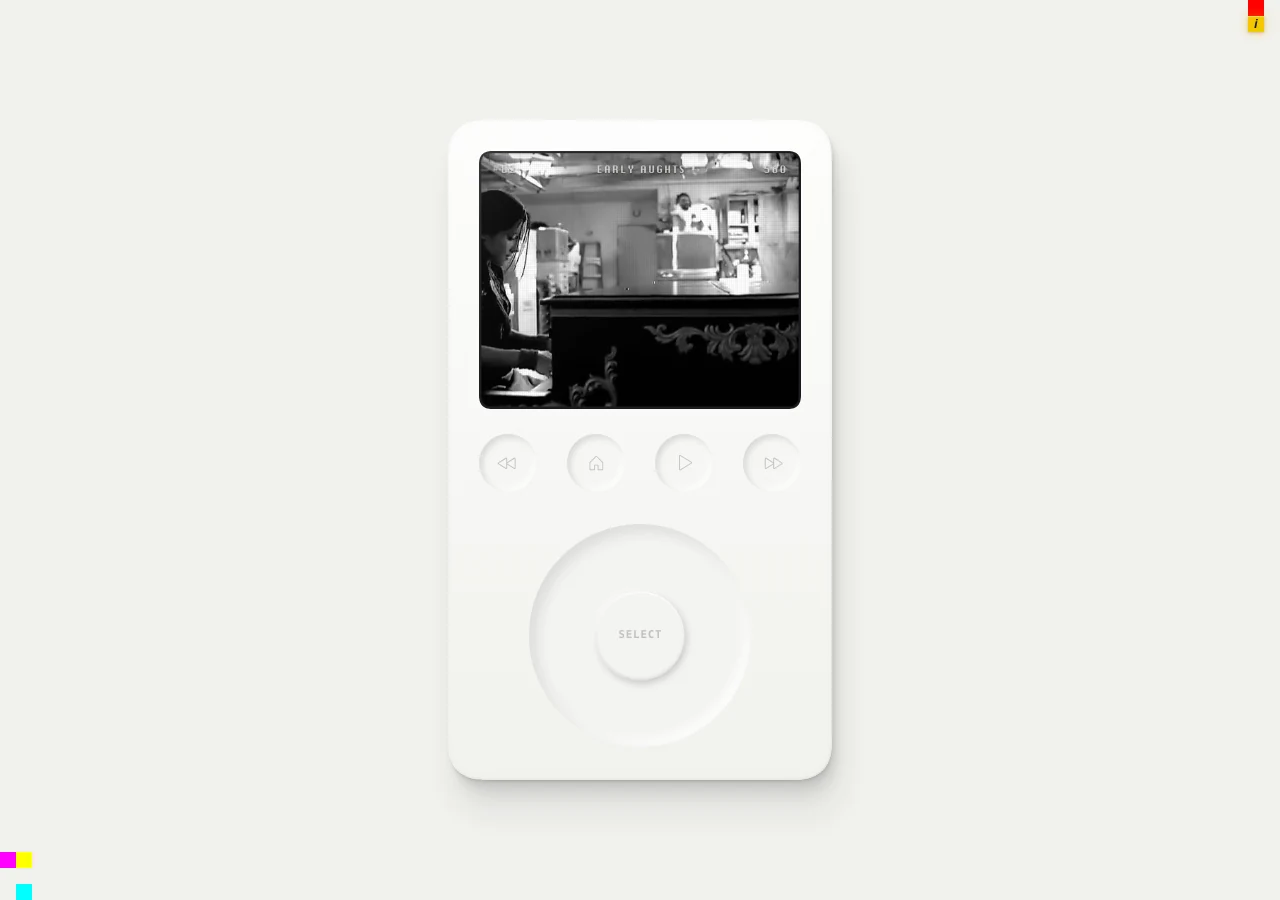 MORE Trivia
Sound of Sliver
Identify songs from short audio slices in a themed music quiz, choosing a difficulty and preserving points with quick, accurate answers.
 MORE Trivia
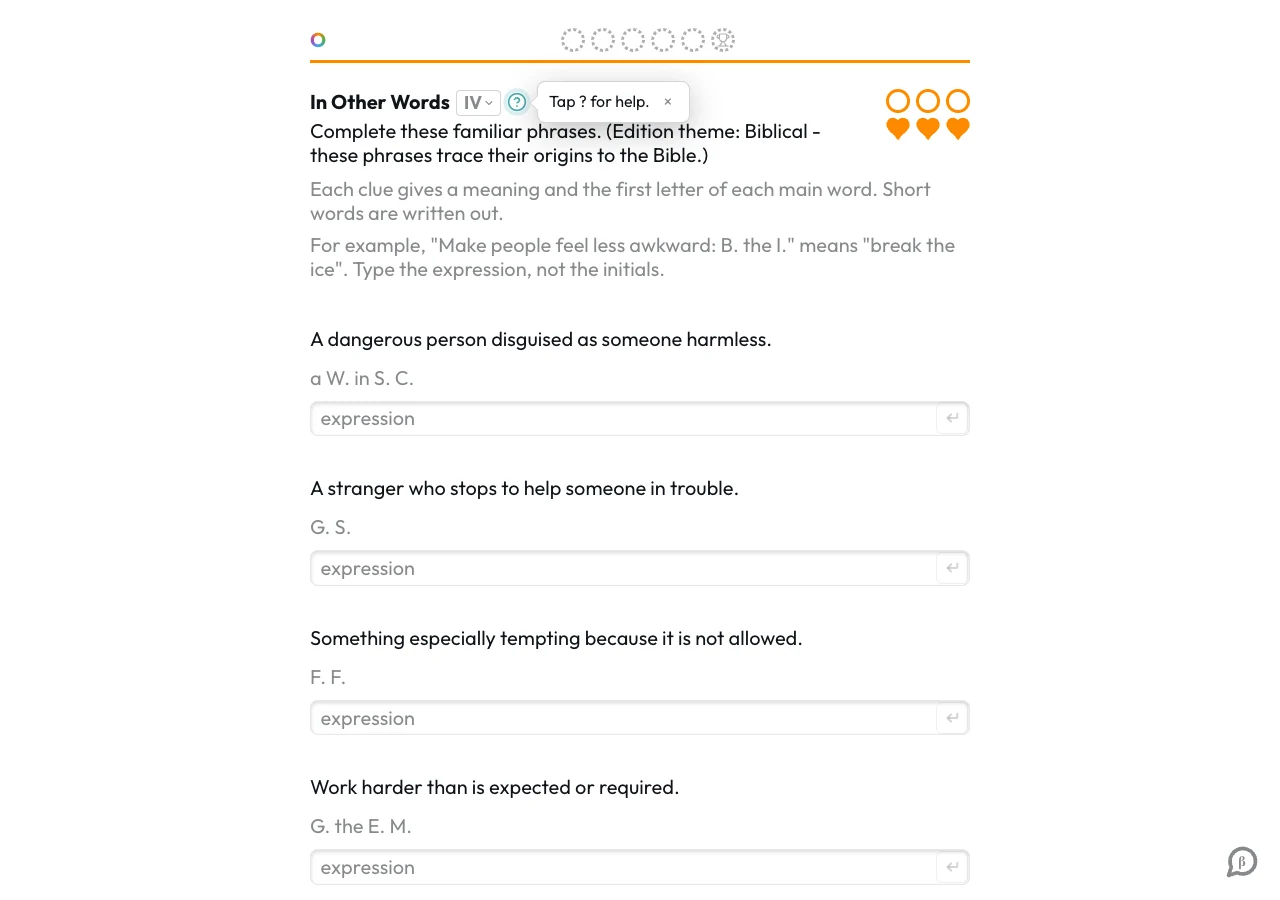
Daily Orbs
Explore a changing daily selection of themed puzzles, from phrase clues to visual matching and other general-knowledge challenges.
 TRY Words
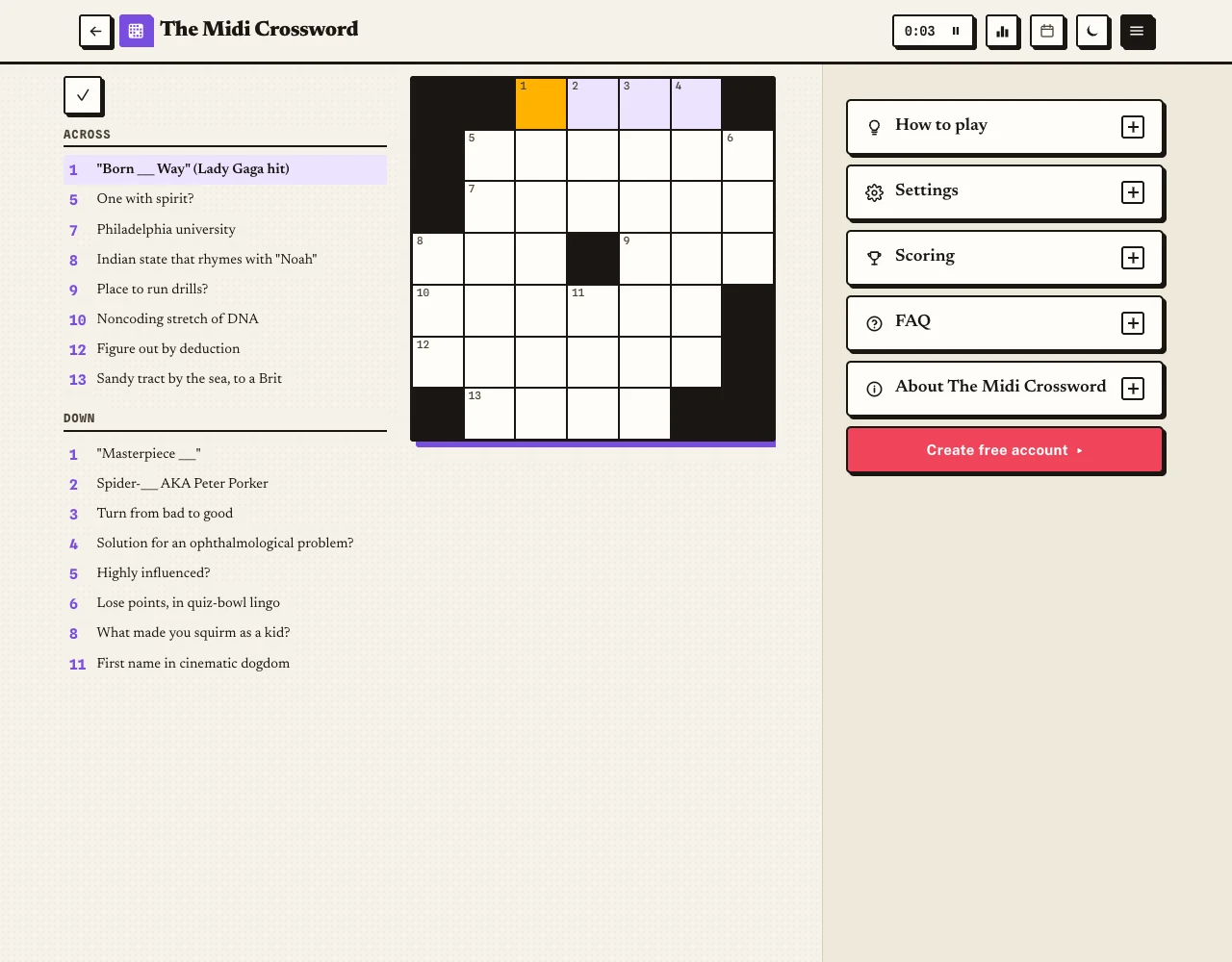
Midi Crossword
Solve a mid-sized daily crossword with intersecting clues, growing from weekday seven-square grids to a larger Sunday challenge.