Geography · DAILY GAME
Trip Detective
Follow a flight and its destination clues, then decide when to stop the journey and risk your single answer.
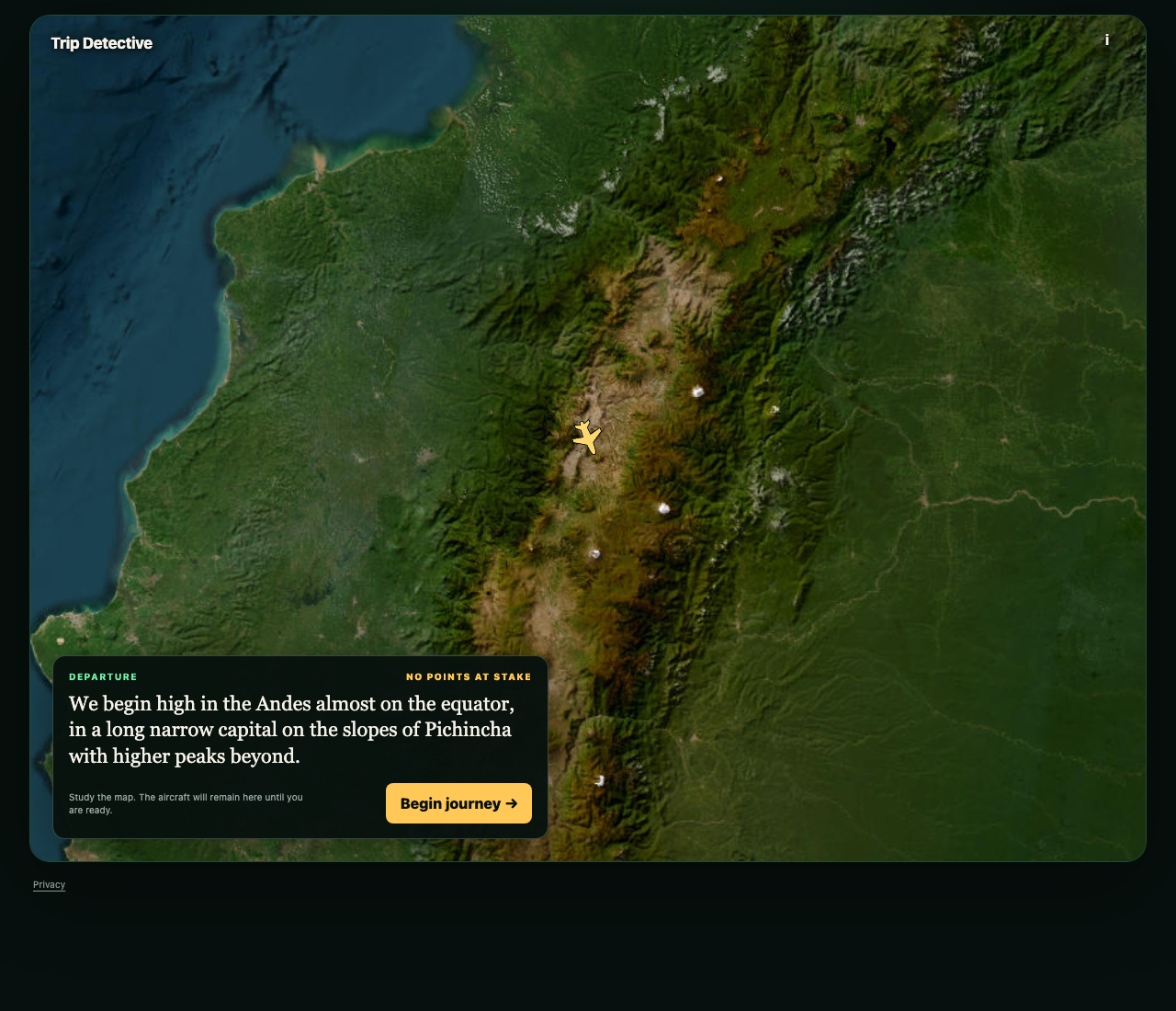
Play Trip Detective
OFFICIAL WEBSITEThis game is played on its official website. The image below is a preview, not an embedded game.
What is Trip Detective?
Trip Detective makes a location puzzle unfold as a journey. Start with a departure clue and satellite map, then begin the flight to receive destination clues. Stopping early locks a higher available score, but leaves you with less information for your one answer. Today’s Challenge gives everyone the same flight and one daily score; the separate Play option offers more journeys.
How to play
- Choose Today’s Challenge rather than the separate Play mode.
- Read the departure clue and study the map before tapping Begin journey.
- Follow the flight and destination clues. Use Stop and answer when you are ready to lock the displayed points.
- Type a destination and select Lock answer. You get one answer, so check it before submitting.
- Read the revealed route, score and explanation of how the clues identified the destination.
Should you stop the flight as soon as you have a guess?
Stop and answer locks the points shown at that stage. Earlier destination clues offer a higher possible score, while later clues make the location easier to identify. Stopping is a decision about how confident you are, not a free attempt at the answer.
Can you try another destination after a wrong answer?
The answer screen explicitly allows one answer only. Lock answer submits it, and a wrong response reveals the journey with zero points. The reveal also explains how the clues pointed to the destination.
What happens after finishing the daily flight?
The daily completion screen offers a share control and Continue playing. Refreshing the same browser retained the completed daily result, and the homepage showed its score instead of offering a fresh daily attempt. Use the separate Play option for additional flights.
Make your next move
All games → MORE Geography
Globle
Find the daily Mystery Country by naming countries and following warmer colors on an interactive globe toward the answer.
 MORE Geography
Travle
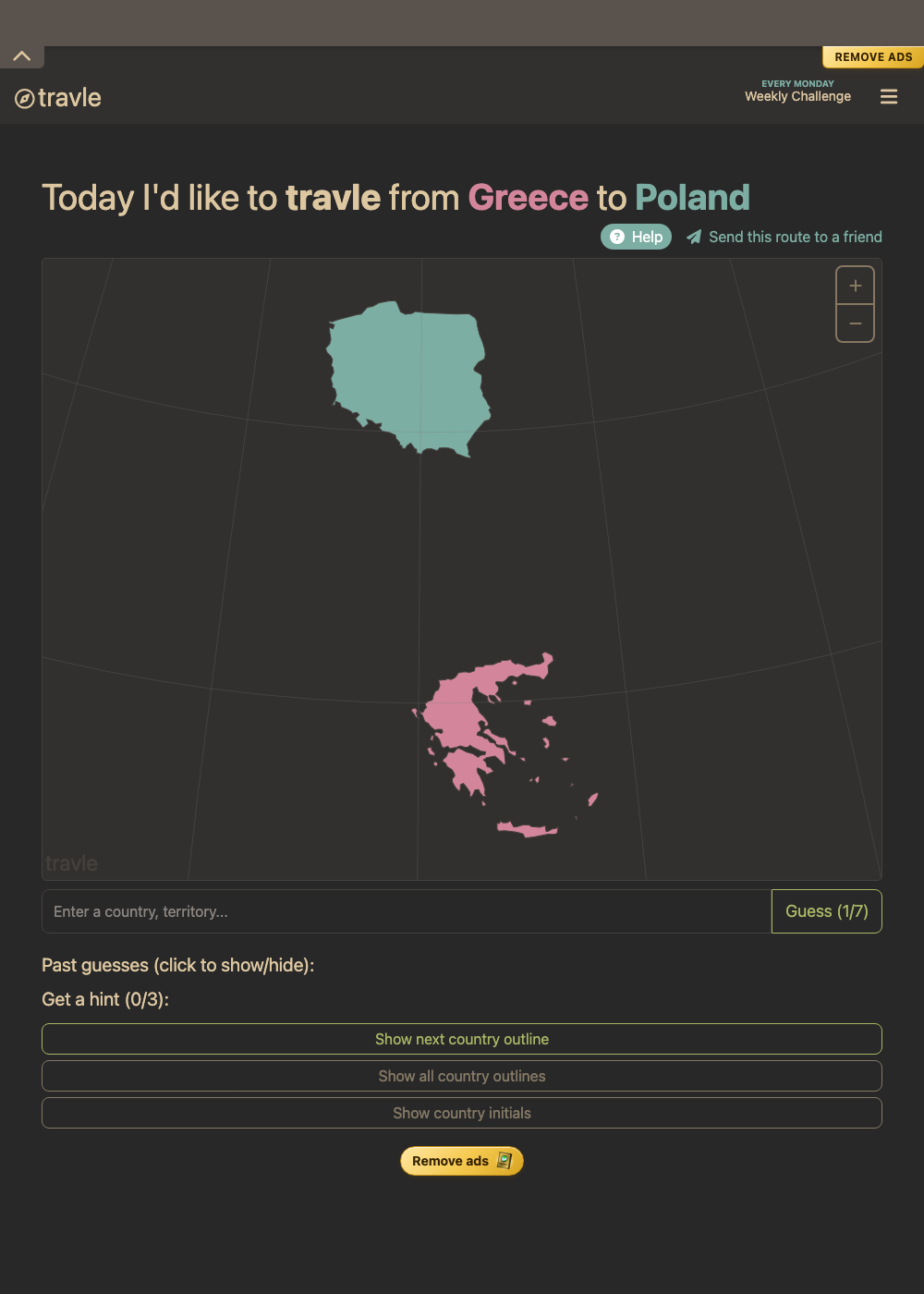
Connect two countries by naming the places you would pass through, using route feedback to avoid unnecessary detours.
 TRY Math/Logic
Murdle
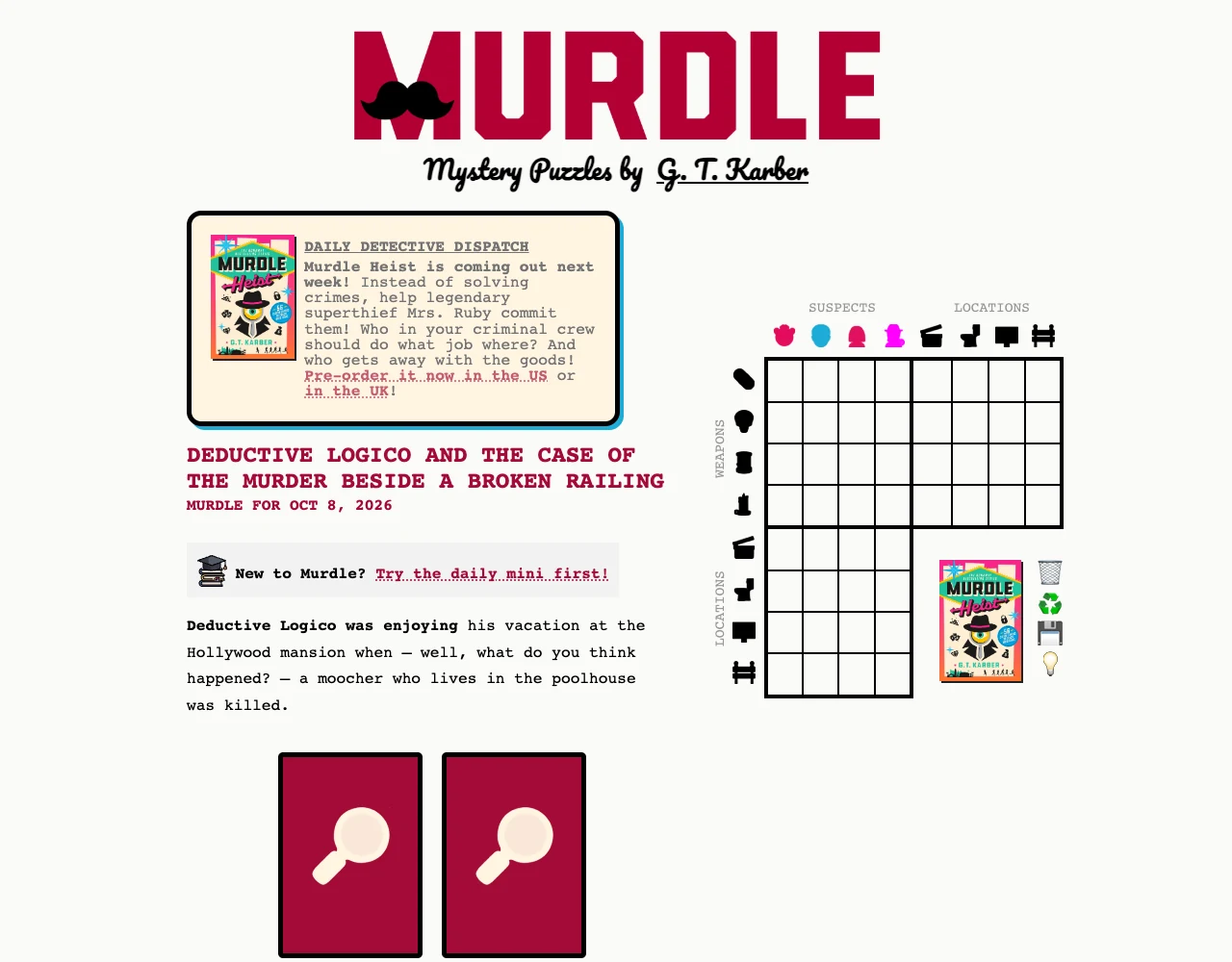
Read a daily murder mystery, connect suspects with weapons and locations, and use a deduction grid to identify the culprit.