Trivia · DAILY GAME
Sound of Sliver
Identify songs from short audio slices in a themed music quiz, choosing a difficulty and preserving points with quick, accurate answers.
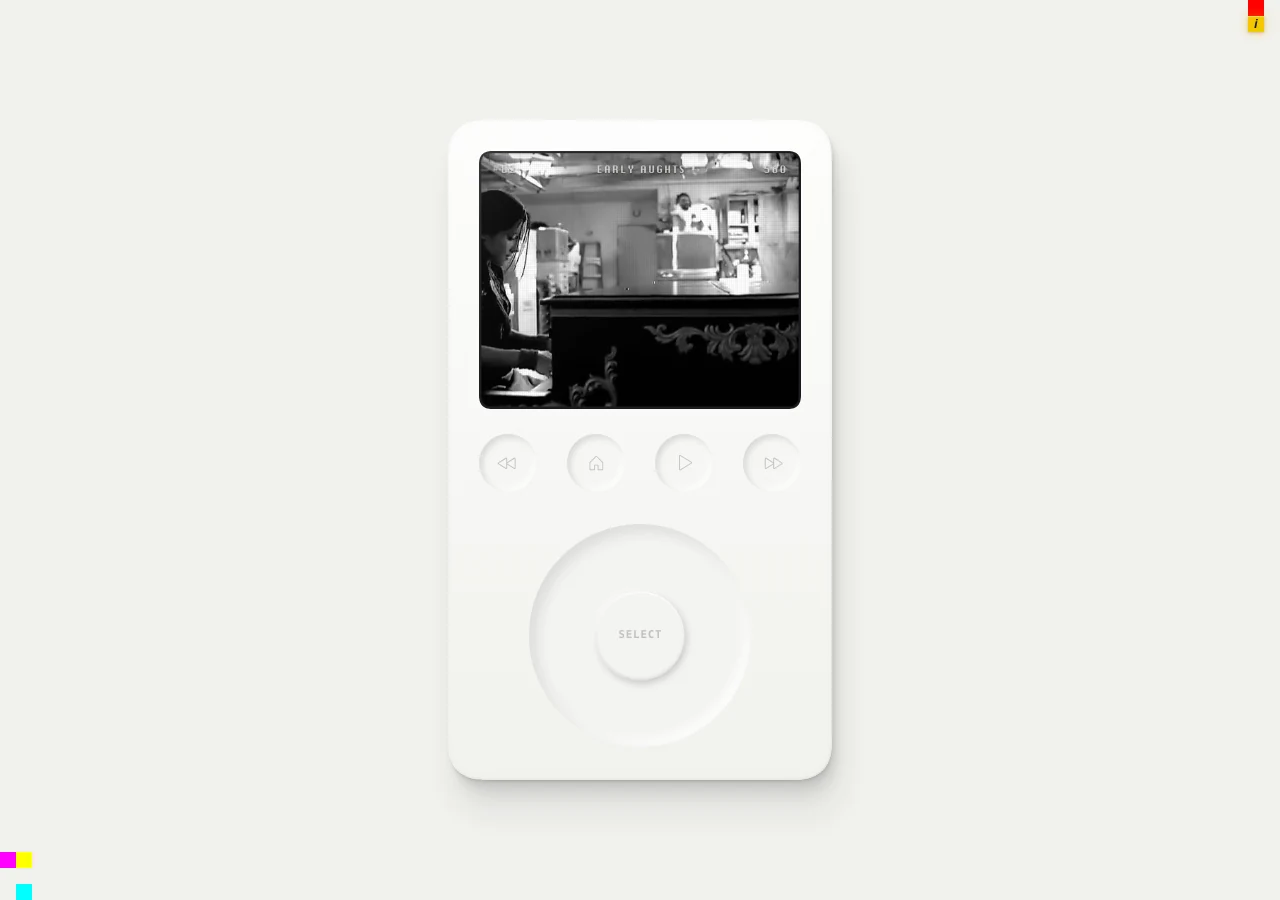
Play Sound of Sliver
OFFICIAL WEBSITEThis game is played on its official website. The image below is a preview, not an embedded game.
What is Sound of Sliver?
Sound of Sliver is a music-recognition quiz presented as a click-wheel player. Start the daily theme, choose a difficulty and match an audio slice to a song-and-artist option. The player also offers an archive and a separate Survivor mode.
How to play
- Select Start, then Play Theme to enter the current daily music theme.
- Read the introduction and open Set Difficulty.
- Choose a difficulty, then listen using the player’s Play slice control.
- Select the song-and-artist option that matches what you heard; use the click wheel or arrow keys, Enter and Esc to navigate.
- Continue through the themed set while watching your remaining points.
Which difficulty should I start with?
The difficulty menu marks Easy as recommended and also lists Very Easy, Normal, Hard and Extreme. Start with the recommended setting to learn the player before choosing another level. Headphones are recommended on the start screen.
What costs points?
Both time and wrong guesses cost points. The longer you take to identify a song, the fewer points you keep; choosing the wrong recording reduces them too. Use the title-and-artist options to distinguish similar songs instead of making a random selection.
Make your next move
All games → MORE Trivia
Krillion
Answer seven timed prompts with uncommon valid responses, diving deeper when your knowledge goes beyond the obvious choices.
 MORE Trivia
CHAINED
Connect a start and goal through factual links across five daily chains, choosing cards that reach the goal in as few moves as possible.
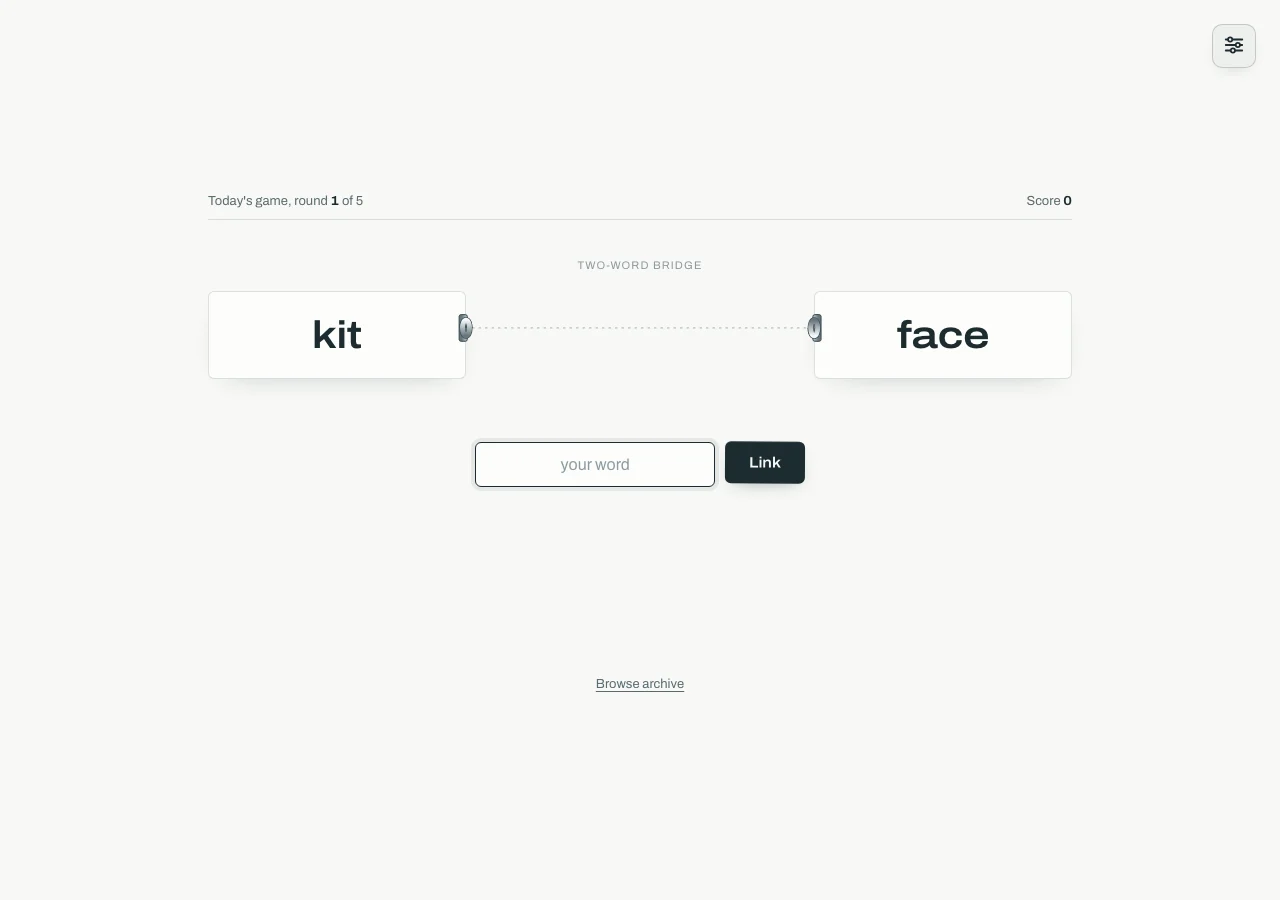 TRY Words
Chainle
Find words that connect two or three clues by meaning, with one guess in each of five rounds and up to 5,000 points.