Physics · DAILY GAME
Flipsies
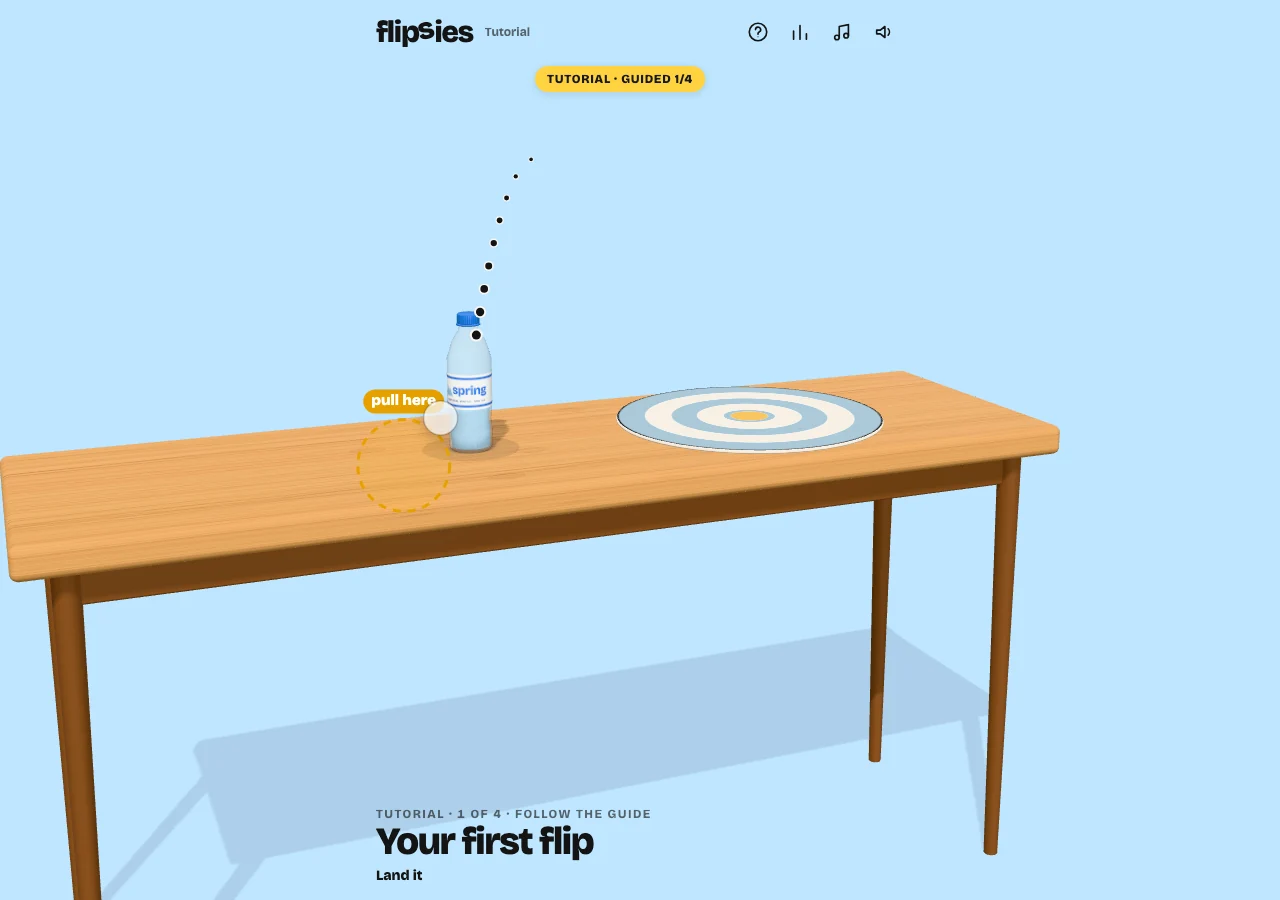
Throw five objects onto a target, adjusting height and distance to land them upright. Your best throw for each object counts.
Play Flipsies
PLAY HEREThe game below is hosted by its creator. Its own cookies, controls and privacy settings apply.
What is Flipsies?
Flipsies is a physics-based throwing game: launch an object, turn it over in the air and try to land it upright on a tabletop target. The daily set has five objects, with five throws at each. New players begin with a guided bottle-flip tutorial.
How to play
- Open Play today and follow the first-flip tutorial if it appears.
- Press, drag and release to throw the object like a slingshot.
- Drag downward to increase height and spin; drag leftward to increase distance. Use the dotted trajectory and height/distance readout.
- Aim for an upright landing on the target after at least one flip.
- Try to improve your best throw within the five attempts, then move to the next object.
How do I change height without overshooting the target?
Downward drag controls height and spin, while leftward drag controls distance. If the object needs another turn but already reaches the target, adjust the downward pull rather than increasing both directions. The trajectory dots and readout let you check the throw before release.
Does a double flip always score better?
No. The rules award 100 points per flip, up to 100 for landing near the target’s center and 50 for avoiding a bounce. A clean single can beat a messy double. Only your best throw counts for each object, so look at the landing as well as the rotation.
Make your next move
All games →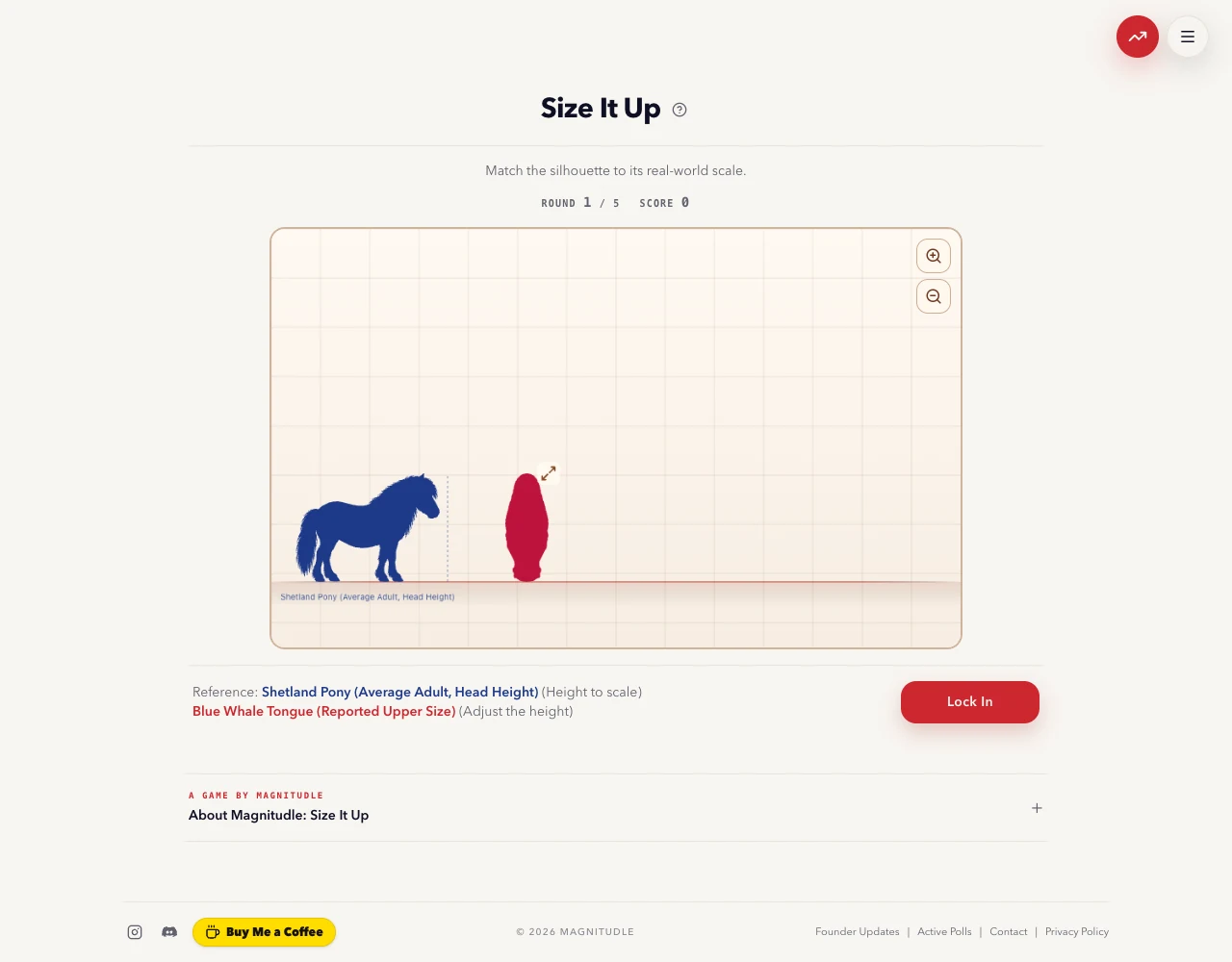 TRY Estimation
Size It Up
Resize five silhouettes against known reference objects, then discover how closely your visual intuition matches their real-world scale.
 TRY Estimation
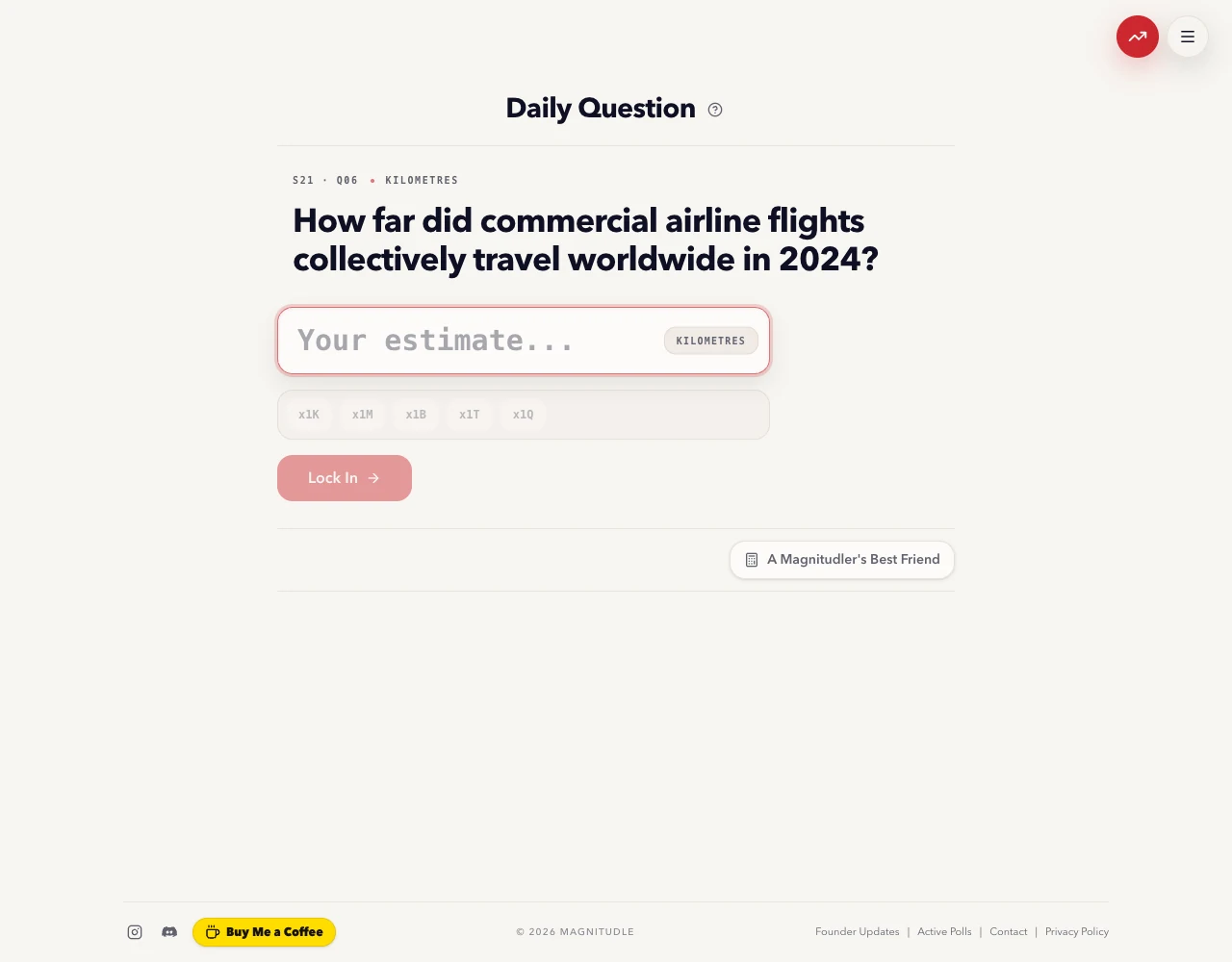
Magnitudle
Make one numerical estimate for a daily question, using units and scale rather than a list of answer choices.
 TRY Words
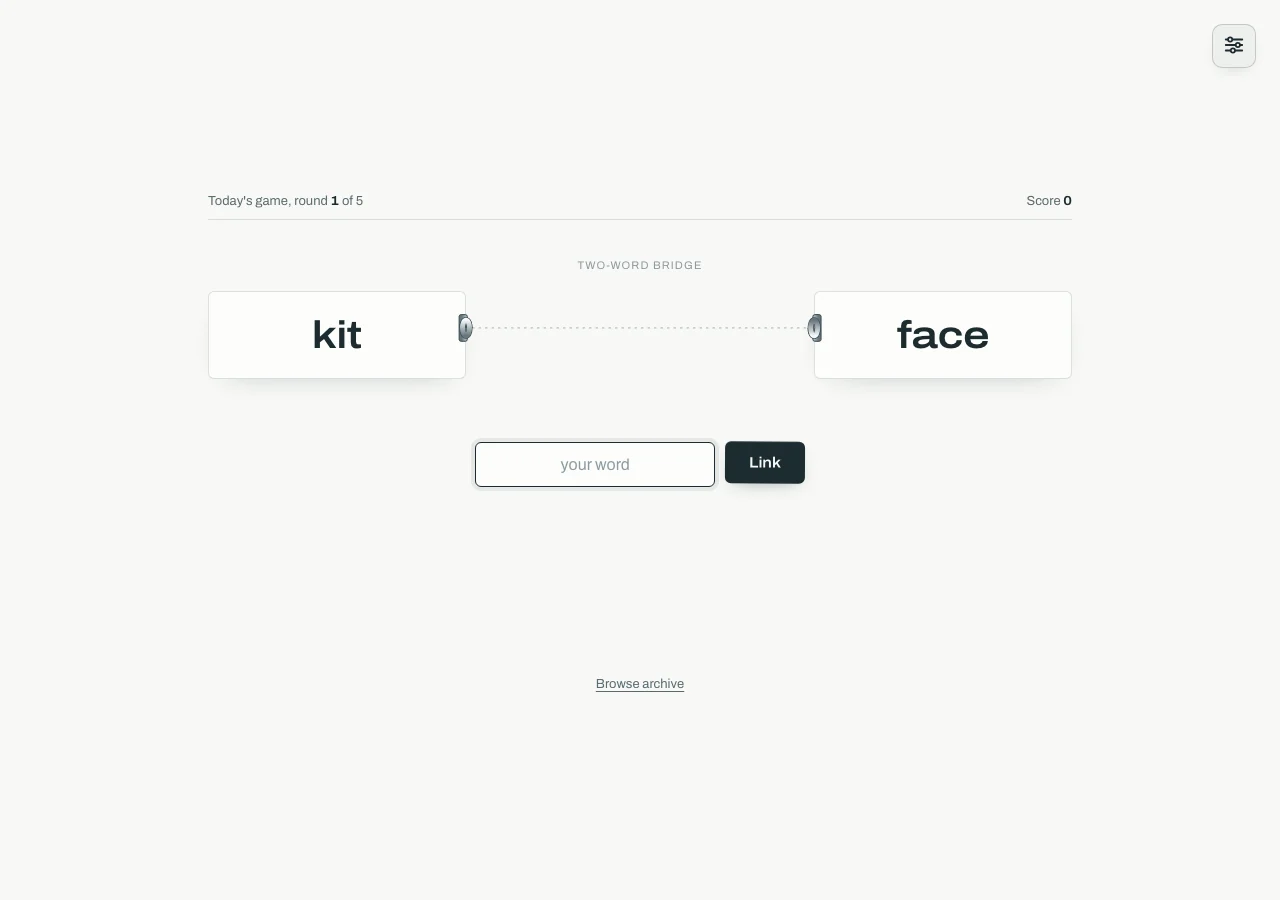
Chainle
Find words that connect two or three clues by meaning, with one guess in each of five rounds and up to 5,000 points.