Physics · DAILY GAME
Tiltanic
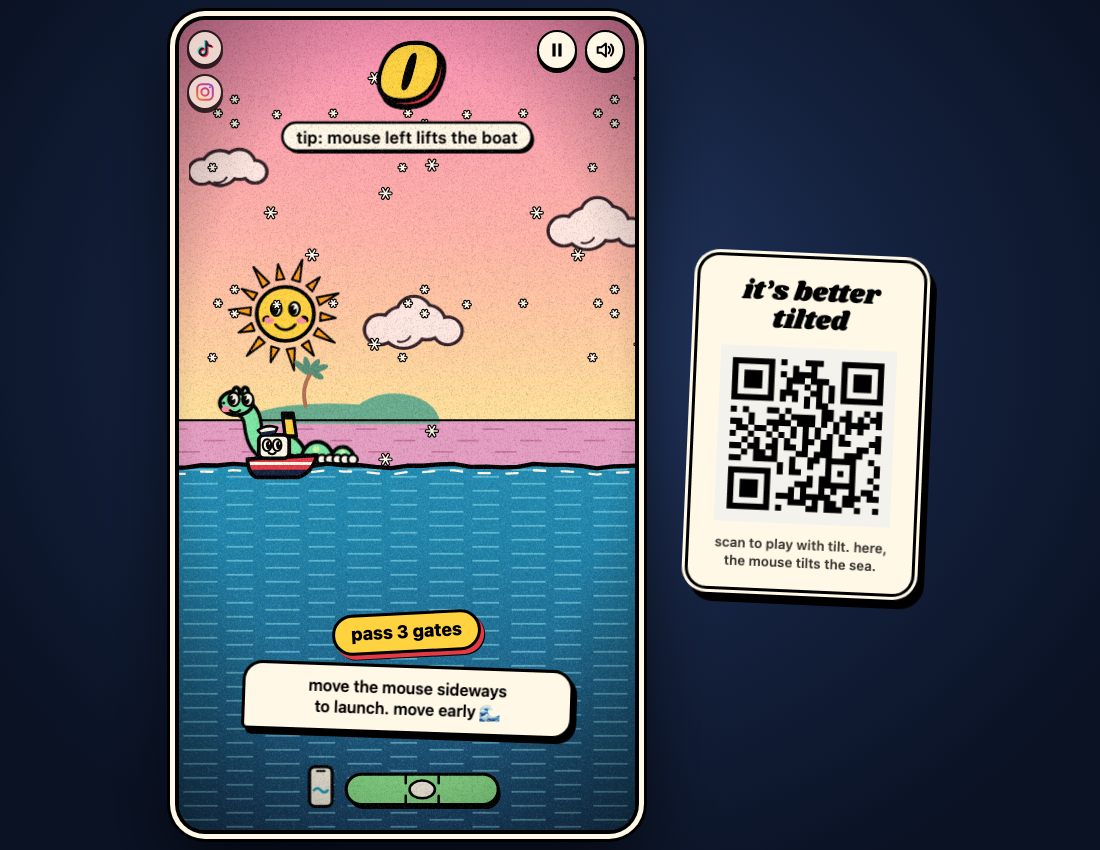
Rock a small boat through gates by moving the sea beneath it, then try again with a gentler correction.
Play Tiltanic
OFFICIAL WEBSITEThis game is played on its official website. The image below is a preview, not an embedded game.
What is Tiltanic?
Tiltanic is a free browser sailing game in which your steering moves the water, not the boat directly. Guide the boat between hanging anchors and floating mines as gates approach. Each cleared gate adds a point; hitting an obstacle ends the run. A daily course gives players the same gates for their local date.
How to play
- Choose whether to keep the gentler warm-up on. Switch it off if you want a run on today's daily leaderboard.
- Select Set sail. On a computer, move the mouse sideways; on a phone, tilt or use the sideways-drag fallback when offered.
- Move left to lift the boat and right to lower it. Make small early corrections: the water continues moving after your input.
- Pass through gate openings without touching an anchor or mine. Read the end-of-run feedback, then select One more try.
Can I play without a motion sensor?
Yes. The official controls support sideways mouse movement on a computer and a sideways finger drag when tilt is unavailable on a phone. Left lifts the boat; right lowers it. Arrow keys or A and D are also listed as desktop controls.
Why does the boat keep moving after I correct it?
Your input pushes the water. Its waves keep moving, so a large correction can come back later and push the boat into an obstacle. The game gives feedback such as moving right sooner after going too high.
Does warm-up count, and can I resume a run?
Warm-up offers gentler water but does not count for the daily leaderboard. Pause and Keep sailing let you continue within the current page. Reloading restarts an unfinished run; saved settings and the daily streak remain after a finished run.
Make your next move
All games →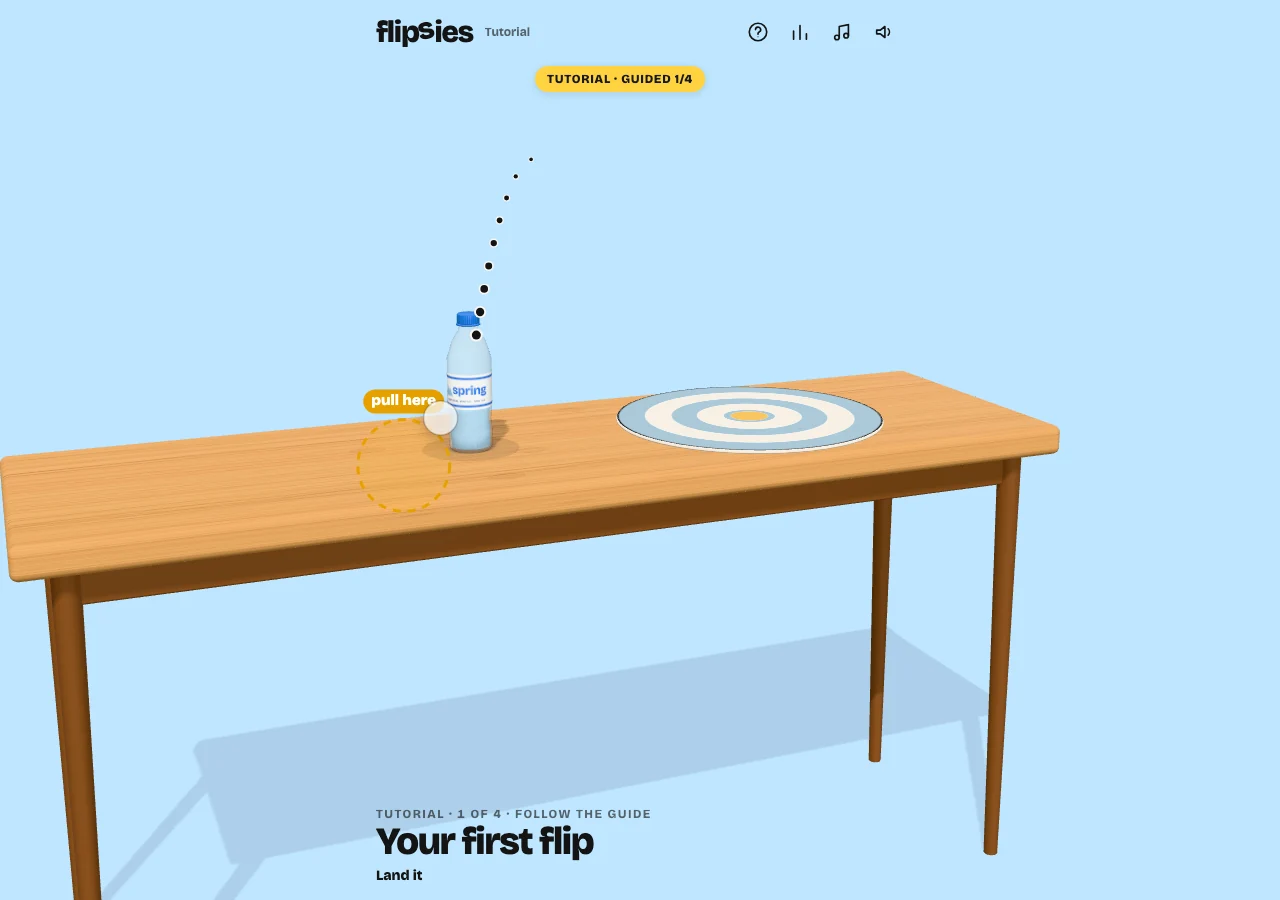 MORE Physics
Flipsies
Throw five objects onto a target, adjusting height and distance to land them upright. Your best throw for each object counts.
 MORE Physics
Glimmer Haul
Grow a ring around stars, then bring them home before they fade or spikes take your haul in a 75-second daily score chase.
 TRY Estimation
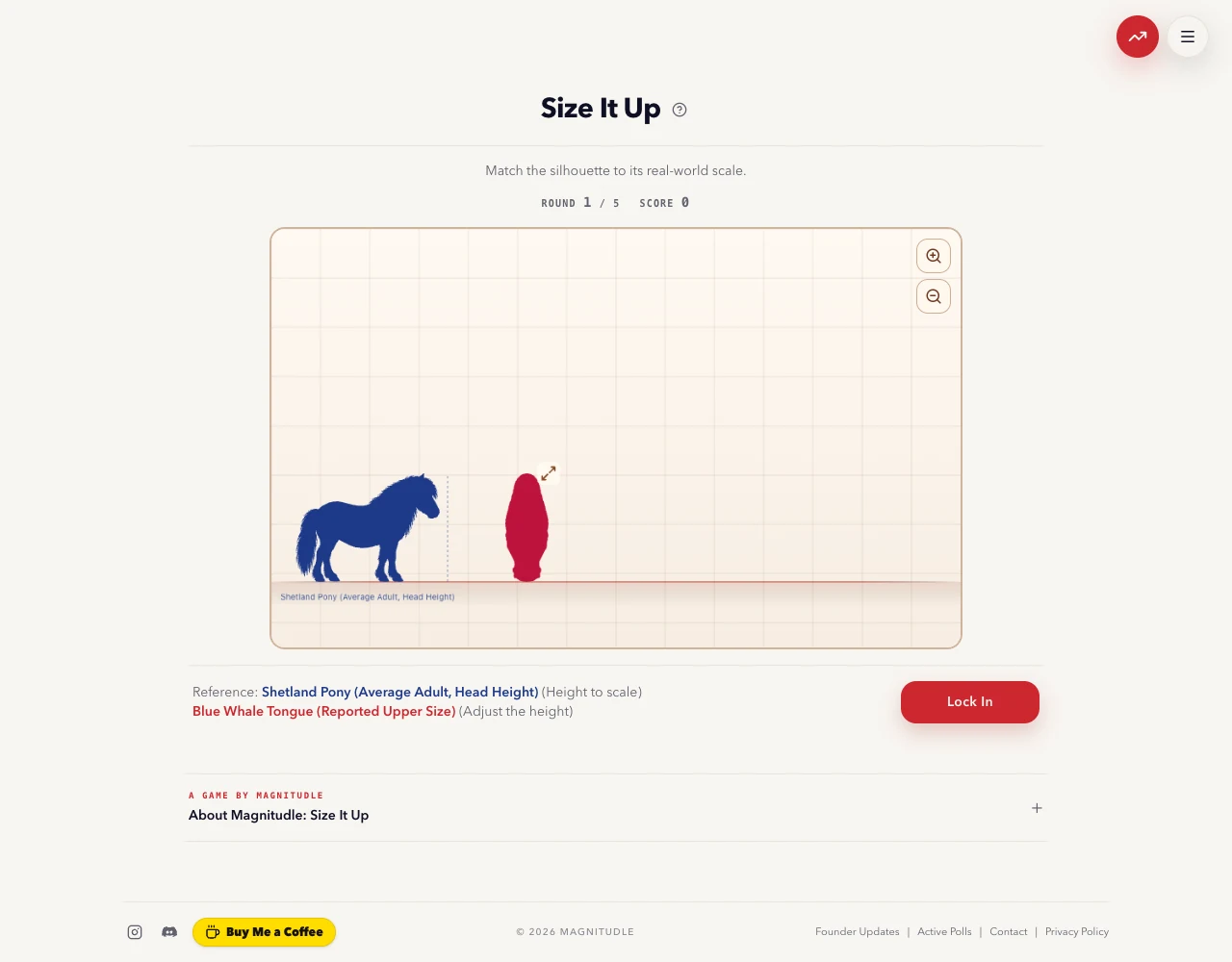
Size It Up
Resize five silhouettes against known reference objects, then discover how closely your visual intuition matches their real-world scale.