Math/Logic · DAILY GAME
ASSEMBDLE
Find a running program's values in simulated memory, then change data or patch its code to meet the daily goal.
Added to Everydle ·
Play ASSEMBDLE
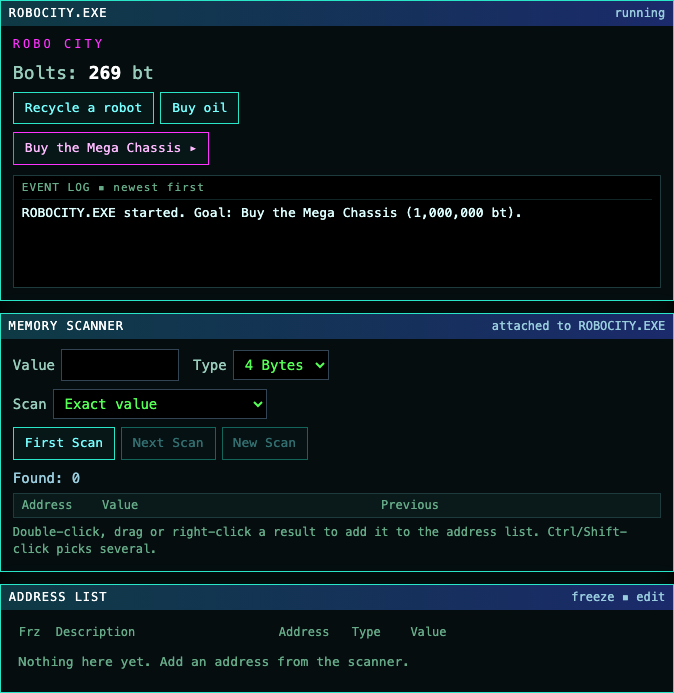
OFFICIAL WEBSITEThis game is played on its official website. The image below is a preview, not an embedded game.
What is ASSEMBDLE?
ASSEMBDLE turns memory scanning and assembly patches into a daily browser puzzle. A small simulated program runs beside a scanner, and your task is to change how it behaves. The week progresses from finding values in memory to tracing the instructions that write them and working through serial checks. It is a puzzle environment with its own built-in tools, not a request to modify software on your computer.
How to play
- Read RELEASE.NFO for the day's target, goal and available tools. Use the separate Tutorial if memory scanning is unfamiliar.
- Interact with the target program and note a visible value, such as its currency. Enter that number in the memory scanner and select First Scan.
- Change the value through the target's own controls, then use Next Scan to narrow the matching addresses. Add a result to the address list to edit or freeze it.
- On a PATCH day, inspect the address menu's Find out what writes to this address option. Trace the routine that restores the value and edit the relevant instruction rather than relying on a temporary number change.
- Return to the target and perform its stated goal. Read hint costs before opening hints; the guided beginner walkthrough makes that day's run unscored.
Why can a memory edit fail to solve a PATCH day?
A target can write its own value back after you change it. The Robo City PATCH release describes a city auditor that undoes a bolt edit. Its address menu can show the code that writes to the address, and a line can be opened for assembly editing. The task is therefore to change the program's behavior as well as its data; finding the currency is only the first part.
How is the tutorial different from the daily walkthrough?
The separate Tutorial offers four practice puzzle types and does not count toward scores or statistics. The TOTAL BEGINNER walkthrough instead guides the current day's puzzle and makes that run unscored. Ordinary daily hints have visible point costs, so decide whether you want practice, guided progress or a scored attempt before using them.
Does refreshing preserve an unfinished scan?
Do not rely on refreshing to keep your working state. An unfinished Robo City session returned to its starting bolt amount after reload, and its desktop scan results cleared. Remember Me is described as a way to keep statistics associated with the device across different internet connections, not as a promise to restore an unfinished scanner session.
Make your next move
All games →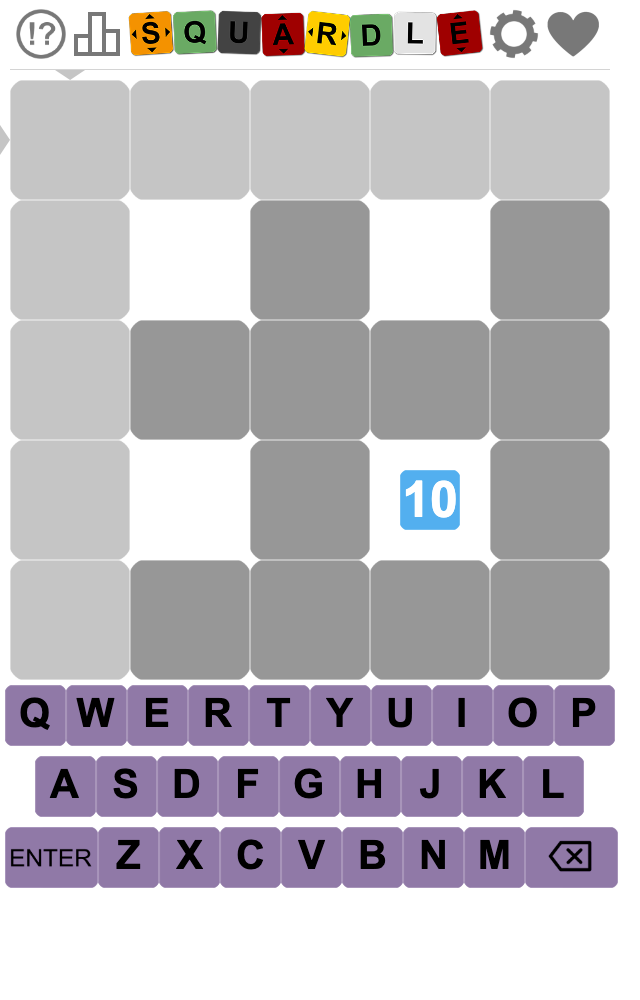
Squardle
Guess five-letter words to solve a daily interlocking grid, using hints that distinguish rows from columns.
Flipsies
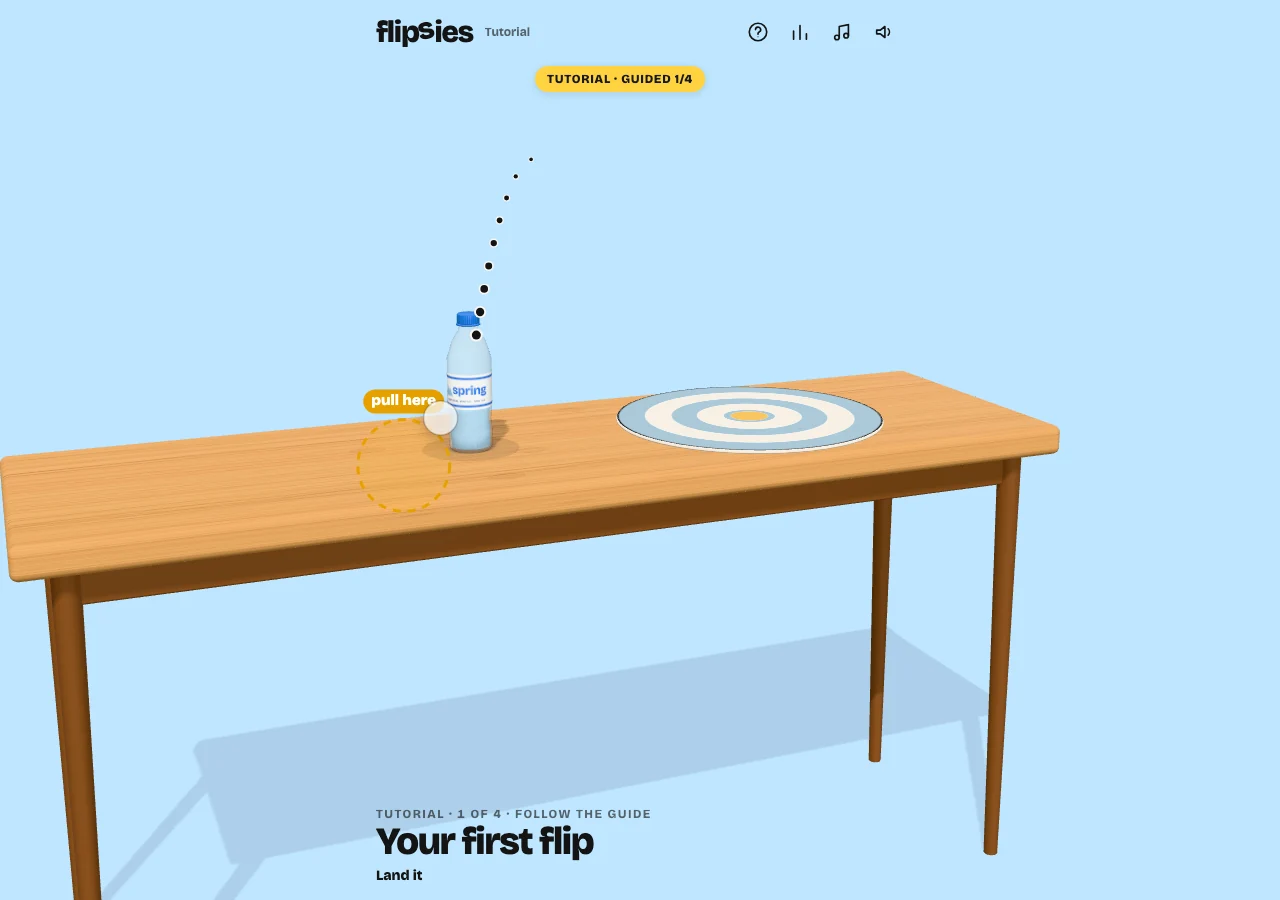
Throw five objects onto a target, adjusting height and distance to land them upright. Your best throw for each object counts.
Over / Under
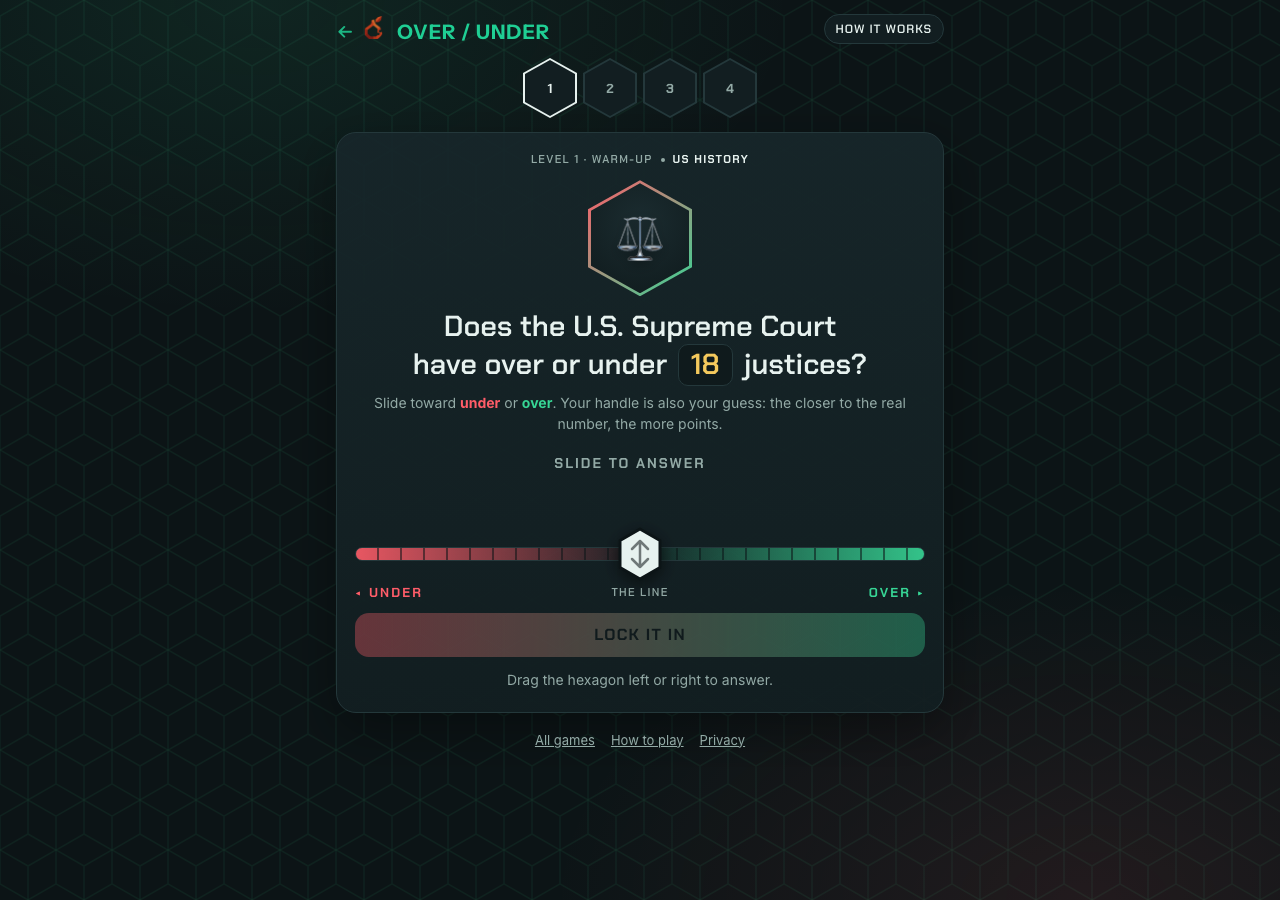
Decide whether a real quantity is above or below a stated line, then place an estimate to score for precision.