Geography · DAILY GAME
Tectonic
Place country shapes on a globe and keep the daily timer alive.
Added to Everydle ·
Play Tectonic
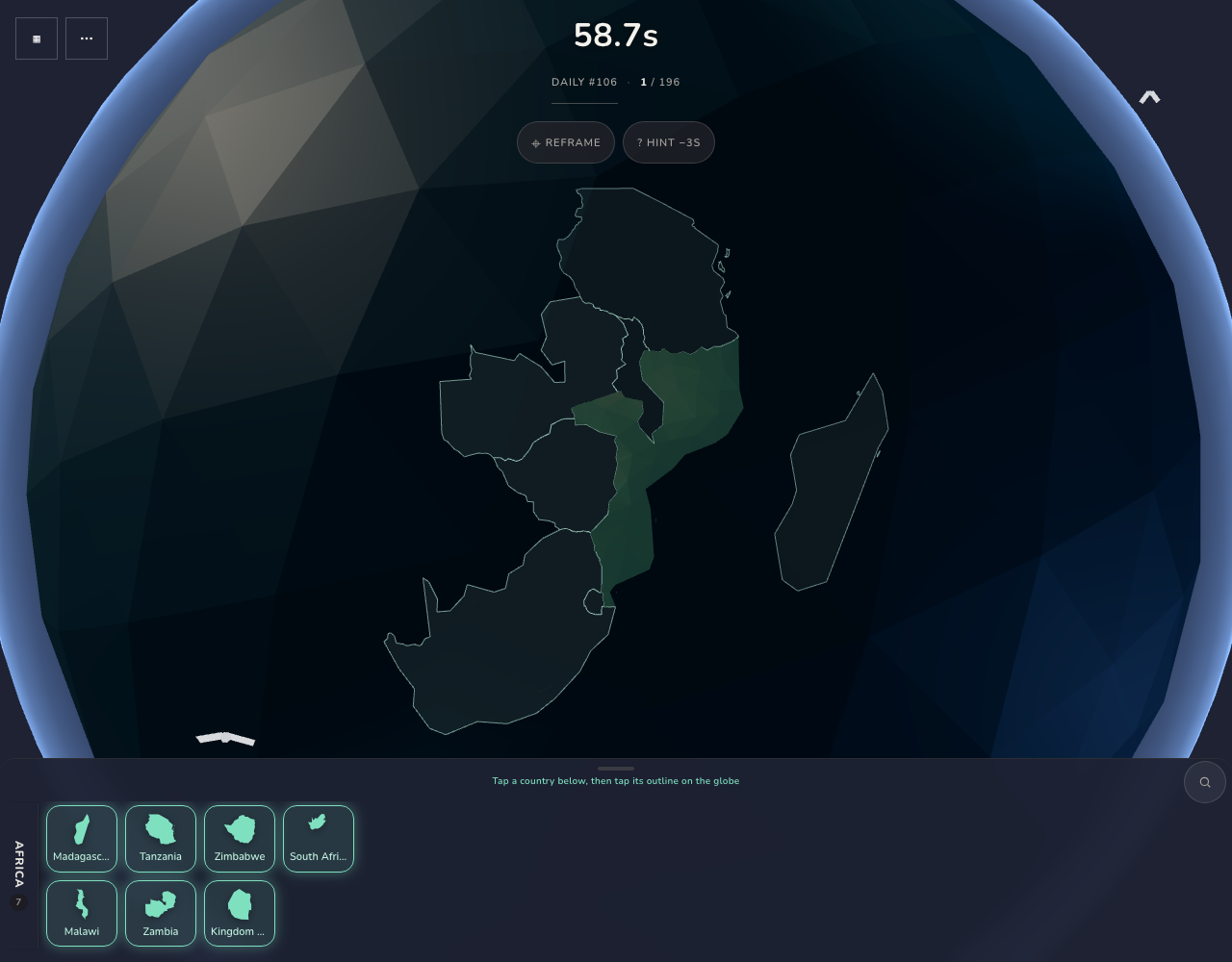
OFFICIAL WEBSITEThis game is played on its official website. The image below is a preview, not an embedded game.
What is Tectonic?
Tectonic’s globe game starts with a country already placed and a drawer of neighboring shapes. Select a country, then tap its outline on the globe. Correct placements expand the available frontier and add time to the run.
How to play
- Choose Start Daily to open the numbered globe challenge.
- Select a named country from the drawer, then tap its matching outline on the globe.
- Place more countries before time runs out; use Reframe if you need to reset the view.
Do you have to drag each country?
No. Select a country in the drawer, then tap its outline on the globe. Both desktop clicking and phone touch placement were tested. The official start screen also offers dragging.
How does the timer work?
The tested daily run began with 60 seconds. Placing Madagascar correctly added three seconds, while the optional Hint control is labeled −3s. The placed-country counter records your progress.
What happens if you refresh?
Refreshing an unfinished daily run presents Resume and Discard. Resume restored the two-country board in both tested desktop and phone sessions. This verifies same-browser progress, not cross-device syncing.
Make your next move
All games →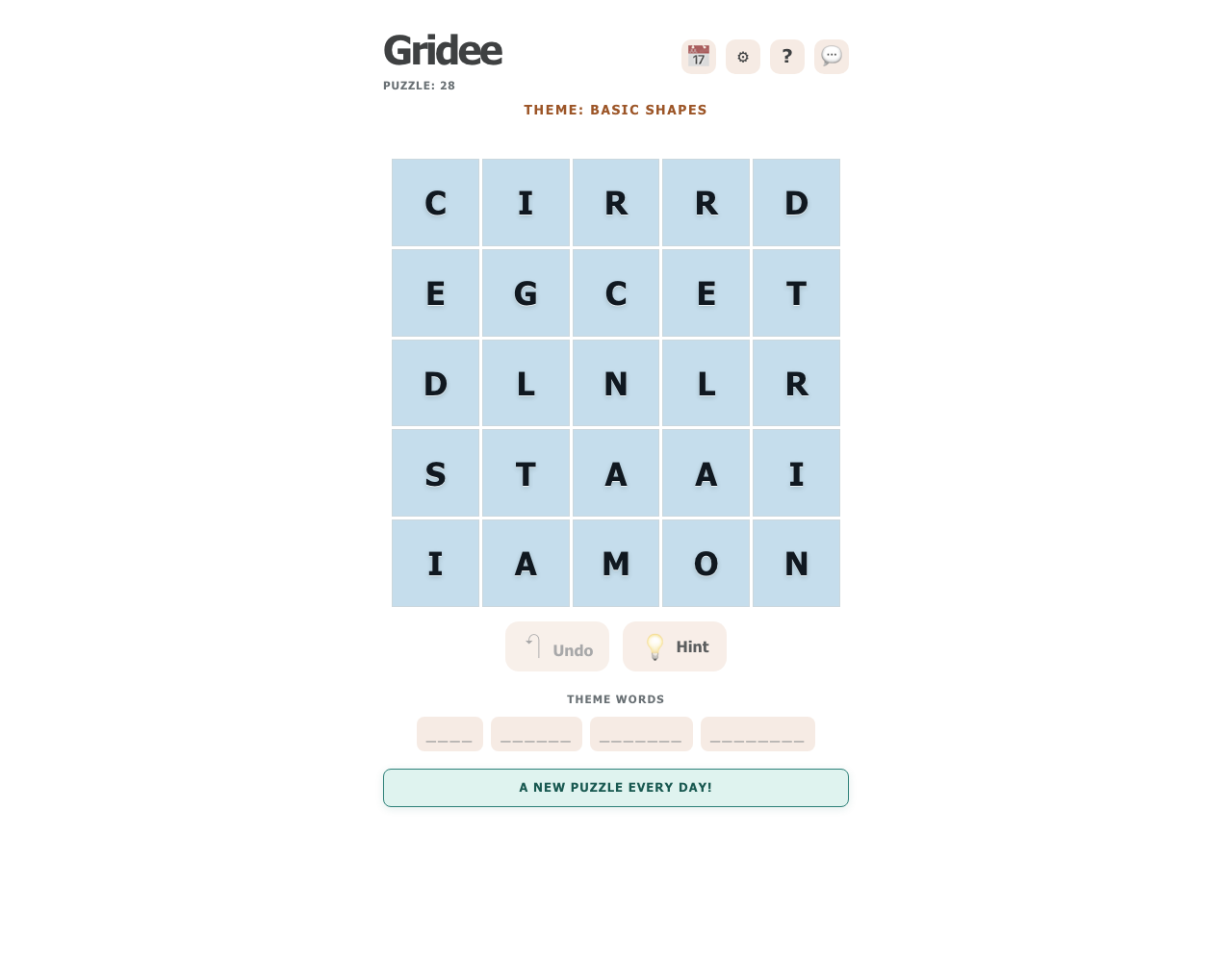
Gridee
Find themed words in a daily letter grid, then watch the remaining letters fall into new positions.
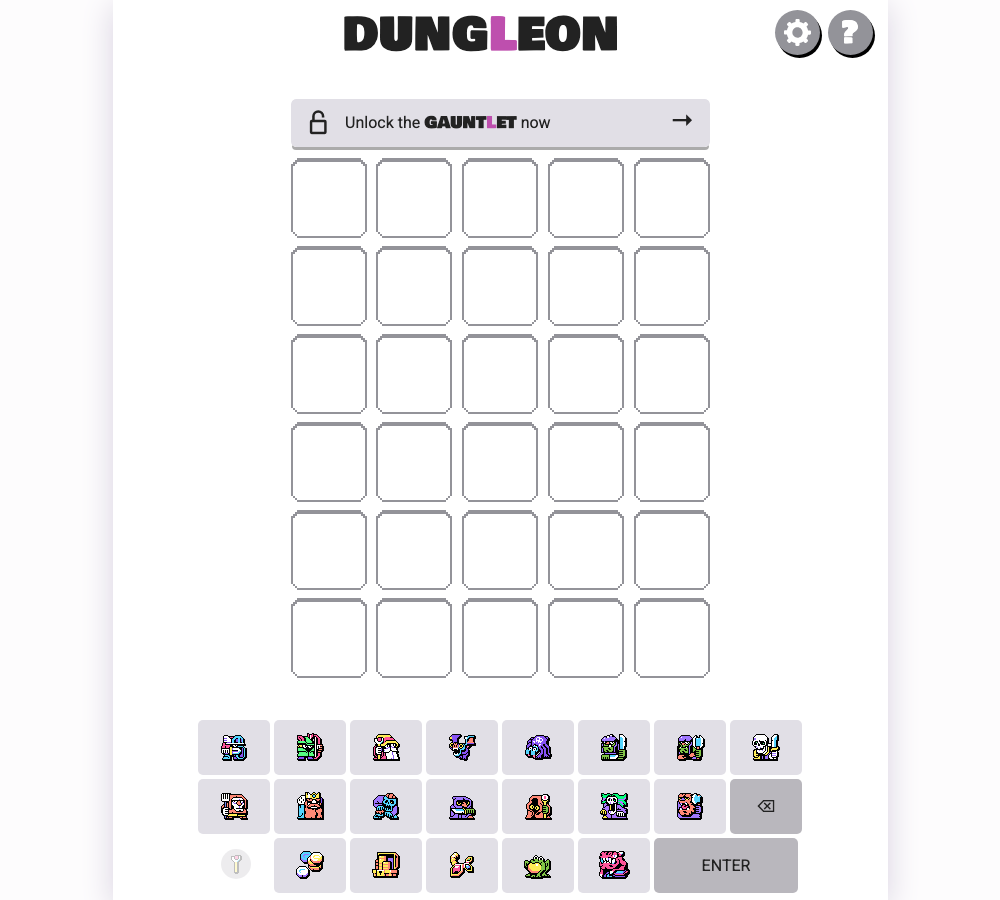
Dungleon
Build a five-icon guess from heroes, monsters and treasure, then use colored feedback and hidden rules to identify the daily dungeon.
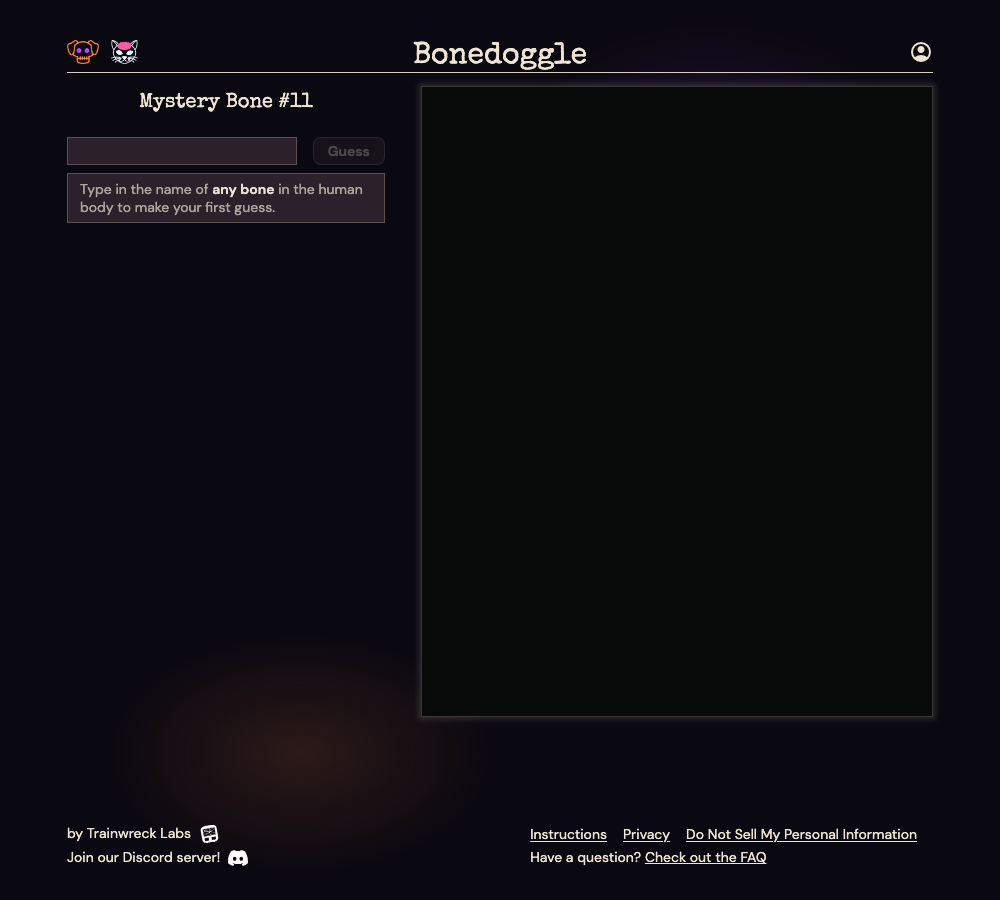
Bonedoggle
Find a hidden bone by guessing anatomical names and comparing the number of joints between each guess and the target.