Trivia · DAILY GAME
Moonshot
Answer five timed sports prompts and turn less common correct answers into longer baseball hits.
Added to Everydle ·
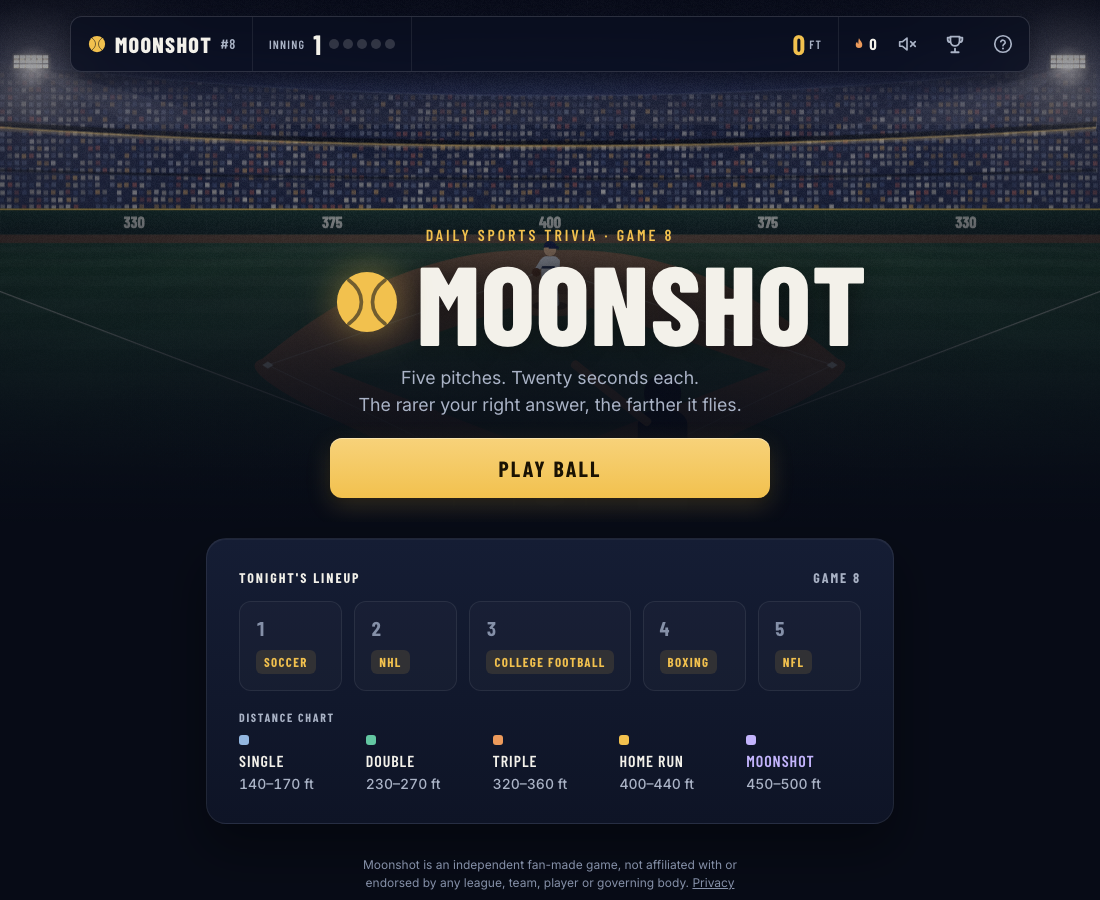
Play Moonshot
PLAY HEREThe game below is hosted by its creator. Its own cookies, controls and privacy settings apply.
What is Moonshot?
Moonshot wraps daily sports trivia in a baseball game. Each of five innings gives you twenty seconds to name an answer that fits a sports prompt. A correct response earns distance, with rarer answers intended to travel farther. The day's lineup shows the five sports before you begin, so you can see which areas of your sports knowledge are about to be tested.
How to play
- Read the instructions and inspect the five-sport lineup on the daily start screen.
- Press Play Ball, read the first prompt and type a qualifying answer before its twenty-second timer expires.
- Press Swing to submit, then read the accepted answer and distance or the foul feedback.
- Use Next Pitch to advance through all five innings and build your total distance.
Why look beyond the most obvious answer?
Moonshot says rarer correct answers travel farther. The start screen groups hits from singles through doubles, triples, home runs and moonshots. You still need an answer that actually fits the prompt: an unrelated response does not become useful simply because nobody else picked it.
How much time does each inning give you?
Each of the five prompts gives you twenty seconds. Type your answer and submit it with Swing; after an accepted response, the game displays its hit type and distance and offers Next Pitch. Check the lineup before starting if you want to know which sports are included that day.
Can you refresh and resume?
In the tested desktop and touch sessions, an accepted hit's distance survived a refresh and the start screen offered to pick up in the following inning. Its warning says a pitch you leave counts as a strike, so refreshing is not a way to pause an active question without consequences.
Make your next move
All games →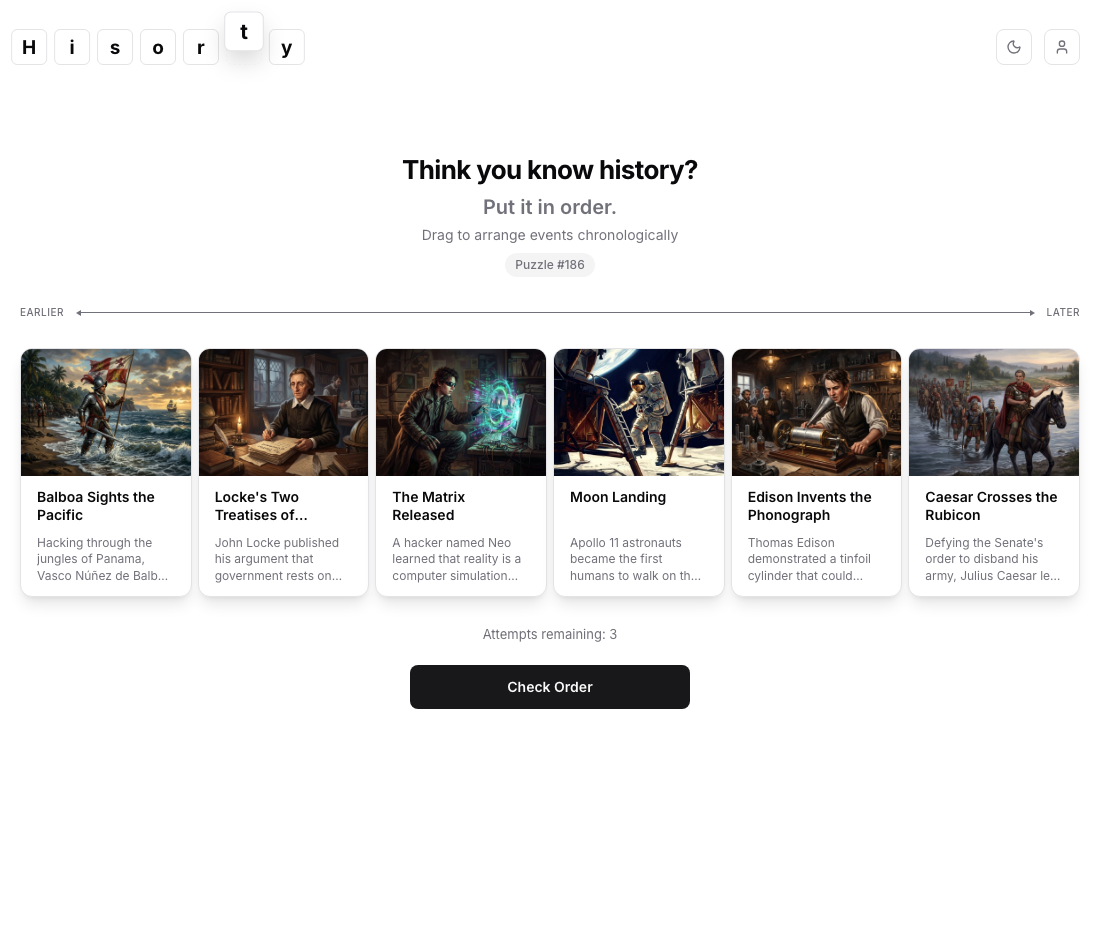
Hisorty
Arrange six historical events from earlier to later, then use limited checks to improve their chronological order.
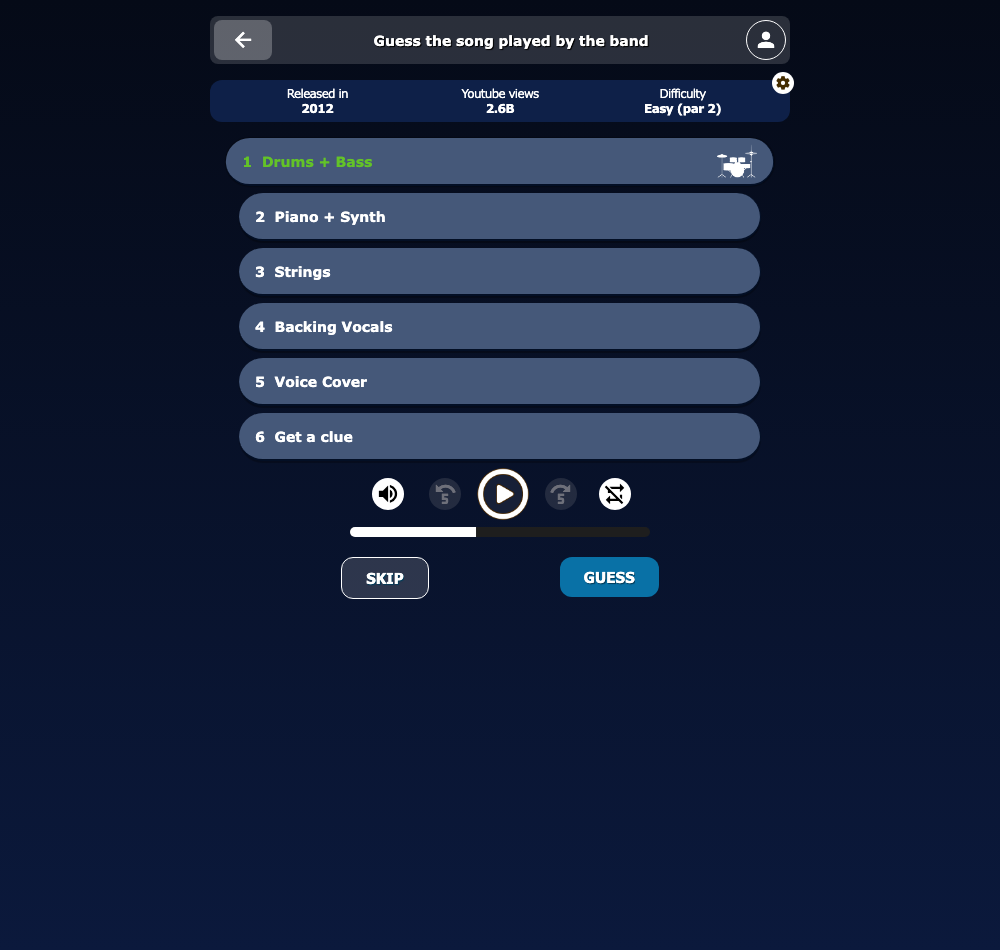
Bandle
Recognize a song as a band adds instrumental layers, choosing when to guess and when to hear more.
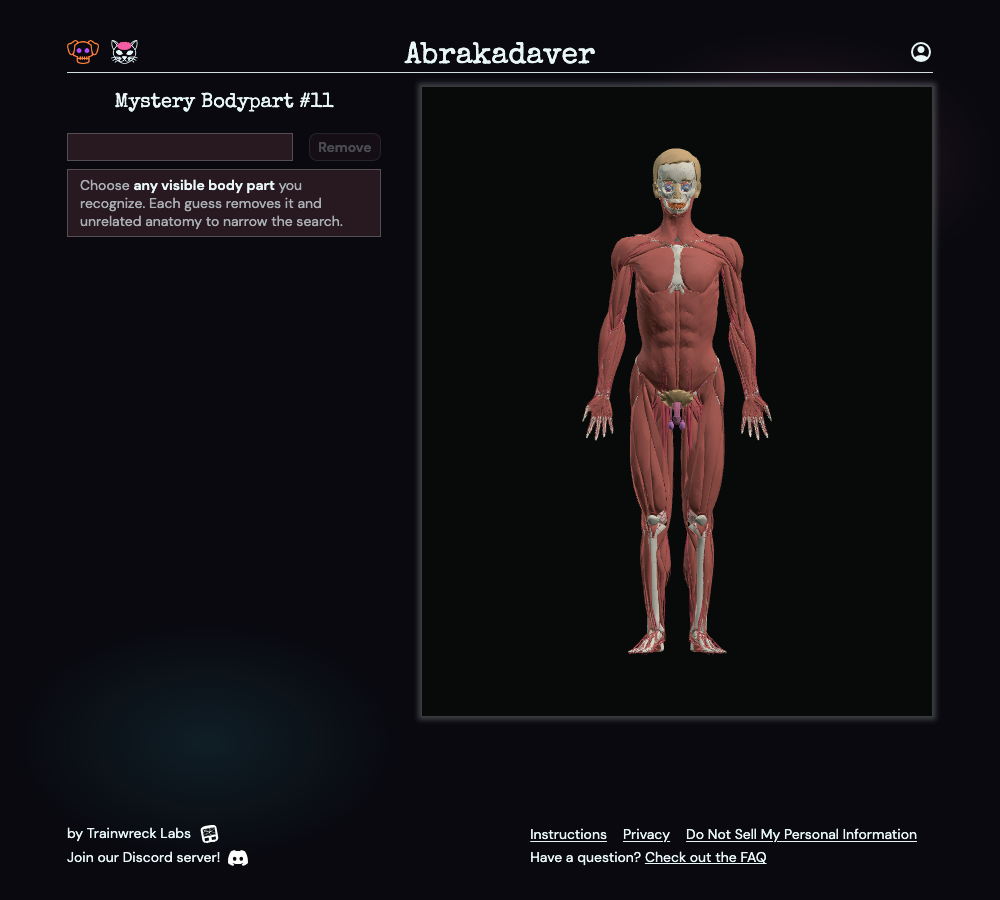
Abrakadaver
Search a 3D human anatomy model for a hidden body part, using the structures that remain after each guess to narrow the answer.