Words · DAILY GAME
Jointter
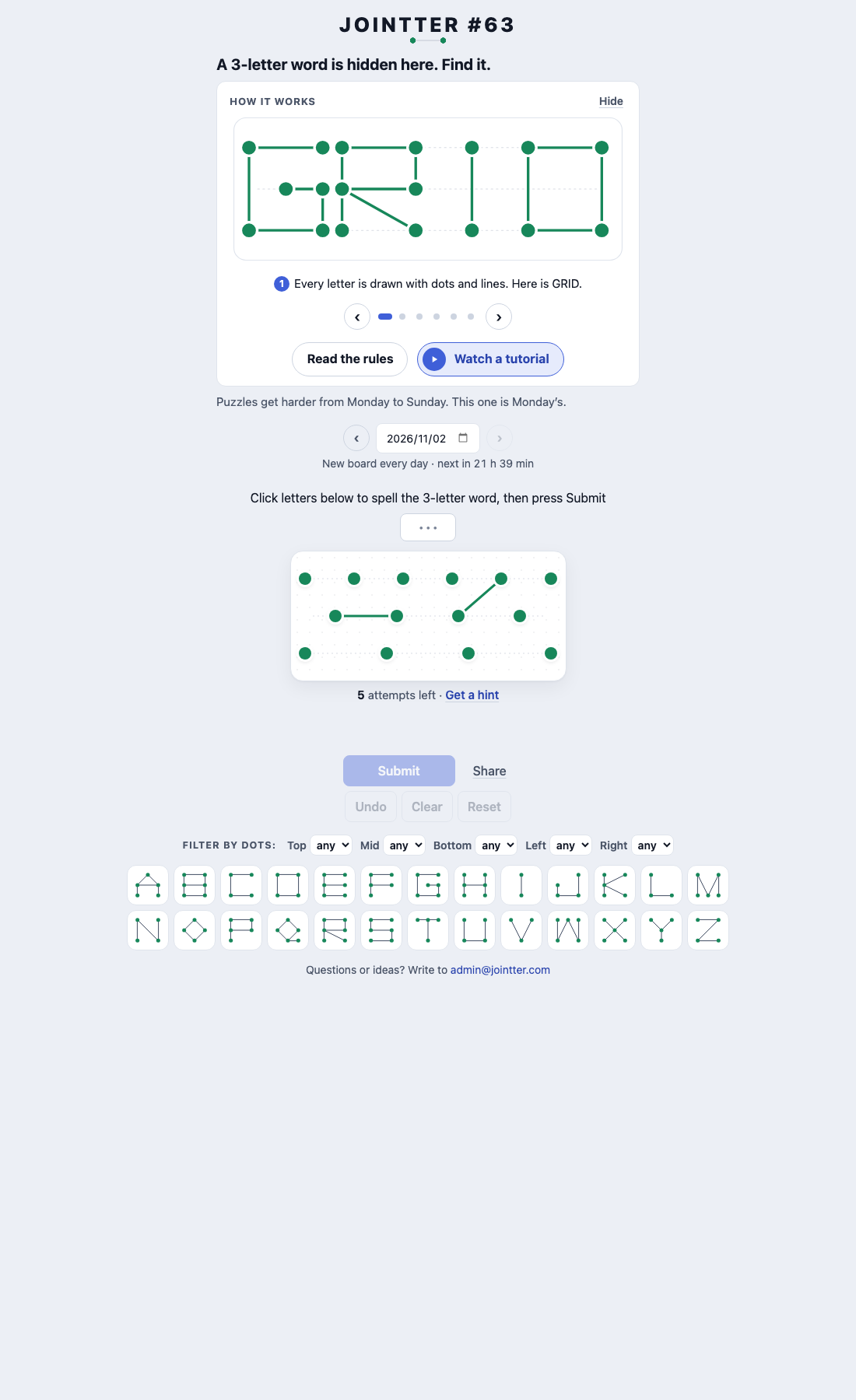
Use letter-shaped dots and lines to uncover a hidden word in five attempts.
Added to Everydle ·
Play Jointter
PLAY HEREThe game below is hosted by its creator. Its own cookies, controls and privacy settings apply.
What is Jointter?
Jointter hides a word inside a dot-and-line drawing. The board gives all of the word’s dots but only some connecting lines. Build a guess from the letter tiles: lines that belong to the hidden word turn green, while other lines turn red. Each attempt reveals more of the drawing, helping you infer the letters behind it.
How to play
- Read the hidden word length and compare the board’s visible lines with the letter tiles below.
- Click or tap letter tiles to spell a guess, then press Submit.
- Use the green matching lines and red nonmatching lines to choose your next word. You have five attempts.
- If needed, use Get a hint to uncover more lines at the cost of one attempt. Dot filters can narrow the letter tiles you inspect.
What do green and red lines tell you in Jointter?
Green lines belong to the hidden word and stay on the board. Red lines do not belong to it. The official tutorial also uses red dots to indicate that a guess contains more dots than the board has. Compare these constraints with the letter tiles before spending another attempt.
Can moving Jointter dots help reveal the answer?
No. The rules say the dots begin evenly spread within their rows, so their positions give no letter hints. Dragging dots only tidies the picture; it never changes the hidden word. Focus on connections and dot counts instead.
What does a Jointter hint cost?
A hint exposes a few more lines but consumes one of the five attempts. The board gets harder across the week, so the same attempt budget can feel very different on Monday and Sunday.
Make your next move
All games →

Trick Shot Cinema
Link a Start film to an End film through cast and crew, passing through the daily Trick Shot film along the way.